Why Screen Printers Need Color Separation Software
When it comes to screen printing, accuracy is everything. Whether you’re printing t-shirts, tote bags, or detailed graphics for apparel brands, clean and accurate color separations can make or break the final product.
That’s where EZ screen color separation software steps in—turning full-color images into separated layers for flawless printing. These tools simplify complex artwork, automate tricky separations, and give you full control over each ink layer.
From solo crafters to print shop pros in the US and UK, here are the 9 best software options to upgrade your workflow.
🧩 Top 9 EZ Screen Color Separation Software Picks
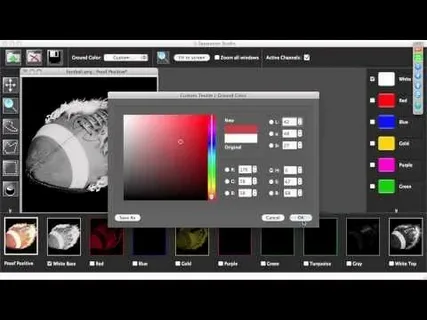
1. Separation Studio
A favorite for many in the industry, Separation Studio makes it easy to produce spot color and simulated process separations. Its intuitive interface is perfect for all levels of experience.
✔ Pros:
Excellent for halftones and spot colors
Beginner-friendly tools
Clean and customizable results
✘ Cons:
Some file types may require conversion
Slight learning curve for advanced features
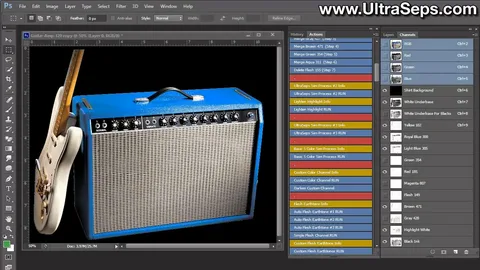
2. UltraSeps
This powerhouse software supports CMYK, RGB, and spot color modes, offering smart automation and detailed control.
✔ Pros:
Multiple color mode support
Automated separations
Easy to use for most print shops
✘ Cons:
Spot color support could be stronger
Some features may require third-party add-ons
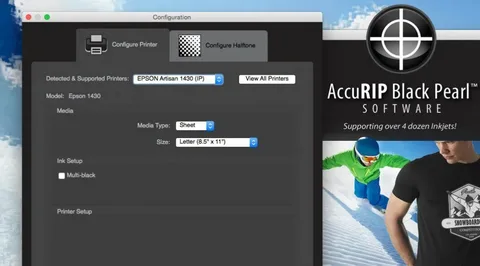
3. AccuRIP
Perfect for black-and-white separations, AccuRIP integrates seamlessly with major design programs and offers precise halftone generation.
✔ Pros:
Accurate ink density control
Works directly with Adobe software
Great for mono prints and underbases
✘ Cons:
Not ideal for full-color or complex artwork
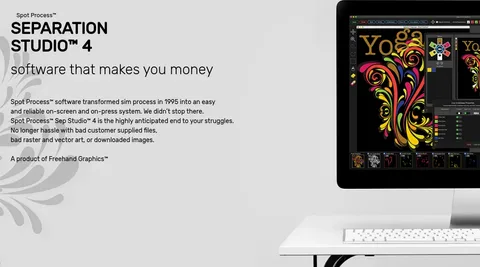
4. Spot Process Separation Studio
Built for high-level spot color separations, this tool is great for those focused on quality and fine detail.
✔ Pros:
Supports inkjet outputs
Strong color correction tools
Advanced trapping options
✘ Cons:
Best for spot, not process, color work
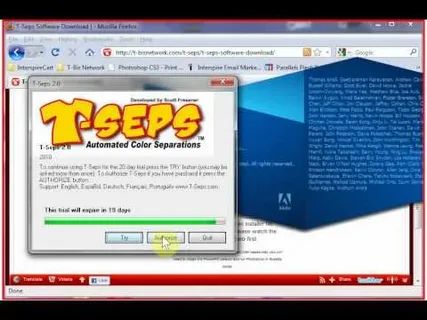
5. T-Seps
T-Seps offers a blend of automation and fine-tuning, making it suitable for both beginners and experts.
✔ Pros:
Automated halftones
Custom ink channel editing
Full prepress toolkit
✘ Cons:
Steeper learning curve
Time investment to master features
6. FastFilms
For those who want fast results without sacrificing quality, FastFilms offers pre-built ink palettes and speedy separations.
✔ Pros:
Quick color splitting
User-friendly interface
Pre-defined settings for ease
✘ Cons:
Limited advanced customization
May not scale for high-end commercial use
7. Kothari Print Pro
This professional-grade tool supports all major color models and includes detailed ink management features.
✔ Pros:
CMYK, RGB, and spot color support
Advanced halftone control
Ink cost optimization tools
✘ Cons:
Smaller support community
Some tools may require plug-ins
8. Serendipity Blackmagic
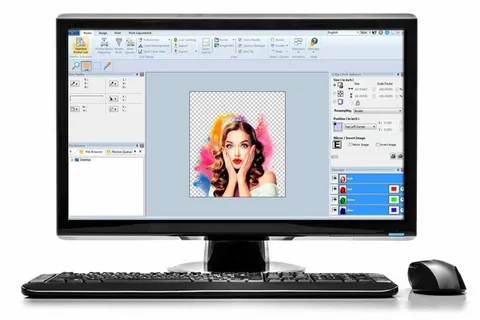
If color precision is your goal, this software delivers. From channel customization to pro-level correction tools, it’s built for experts.
✔ Pros:
Accurate channel generation
Professional image enhancements
Trusted in large-scale operations
✘ Cons:
Requires technical know-how
Might be overkill for hobbyists
9. Separation Studio by Freehand Graphics
This refined version of Separation Studio is great for detailed color work and process simulations.
✔ Pros:
Seamless design software integration
Halftone & process color support
Easy-to-use interface
✘ Cons:
Lacks some advanced color control tools
🧵 Bonus Tip: Combine Digitizing + Color Separation for Ultimate Print Power
Want to streamline your print production even more?
At EZ Stitch Digitizing, we not only offer embroidery digitizing and vector art services but can also assist with art-ready file preparation—saving you time on both ends of your production.
Whether you’re designing for embroidery or screen printing, we make sure your files are accurate, professional, and ready to run.
💬 Final Thoughts
The right EZ screen color separation software can drastically improve your final print quality, reduce waste, and boost productivity. Whether you’re a beginner just getting started or a pro looking to upgrade your tools, these 9 options offer reliable solutions.
Try demos, ask around in print forums, or reach out to us if you’re unsure what fits your needs best.
📩 Get Expert Help With Your Artwork
Need high-quality, print-ready artwork with the correct color separations and digitizing? We’re here to help.
✅ Fast turnaround
✅ Affordable pricing
✅ Free preview before payment
📧 Email: info@ezstitchdigitizing.com
📱 Facebook: EZ Stitch Digitizing