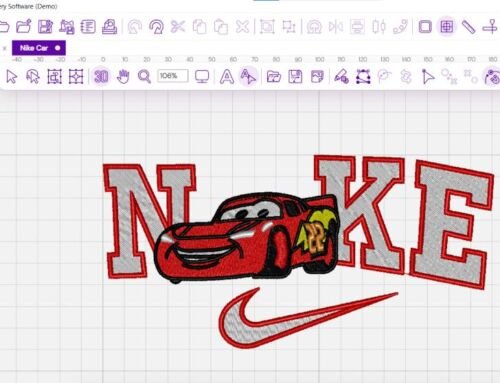
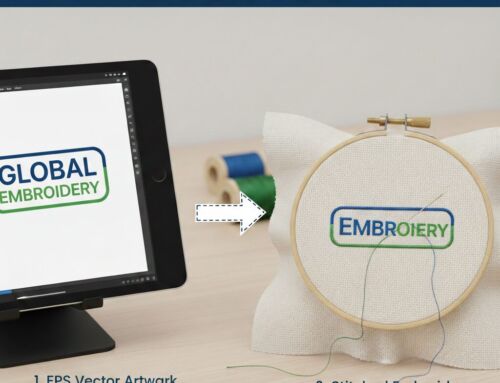
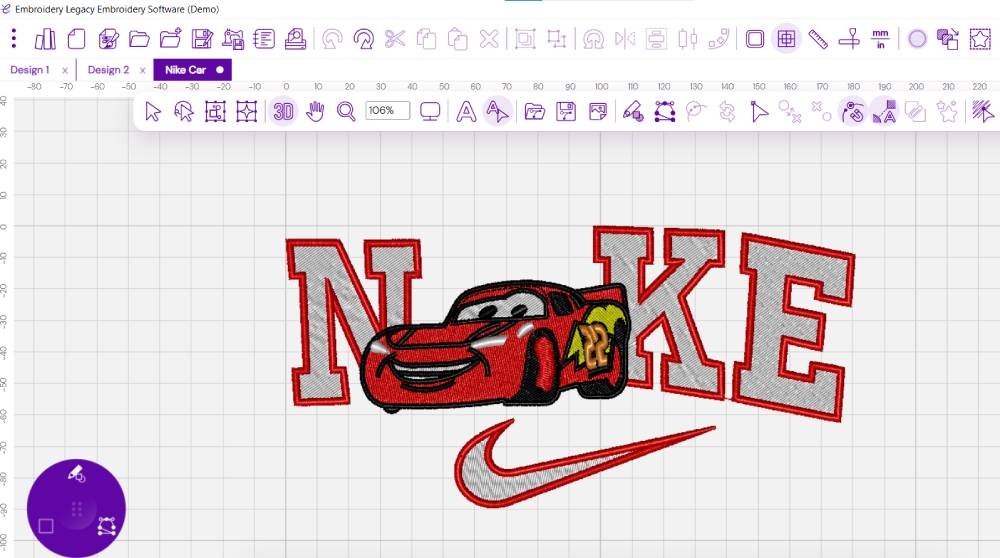
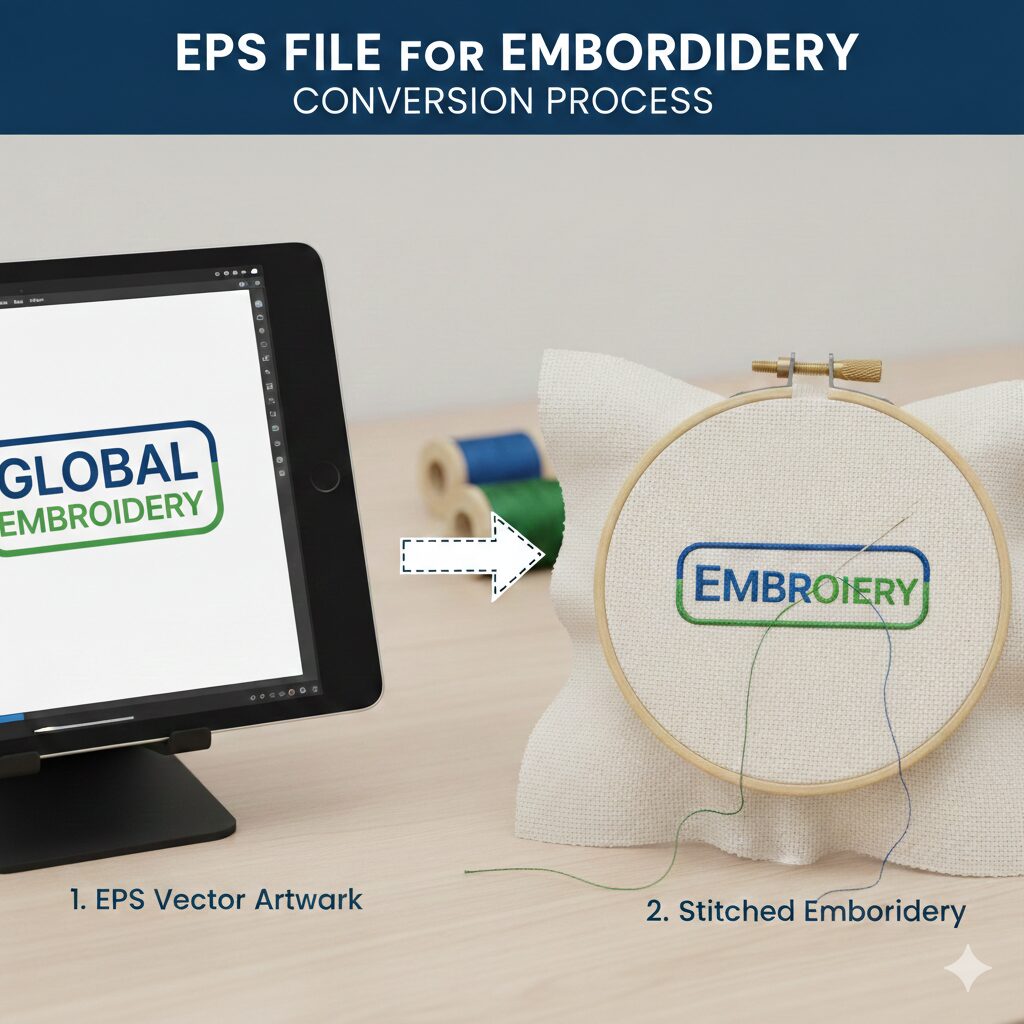
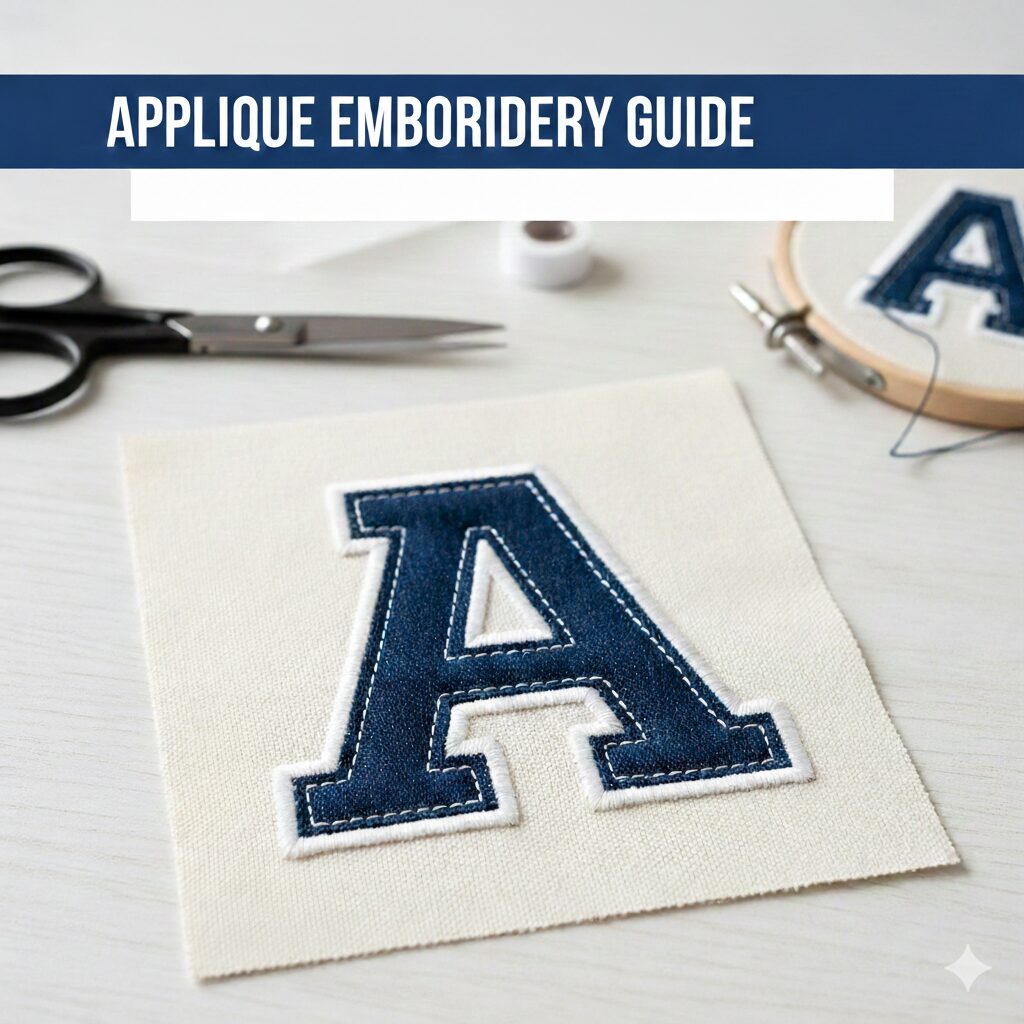
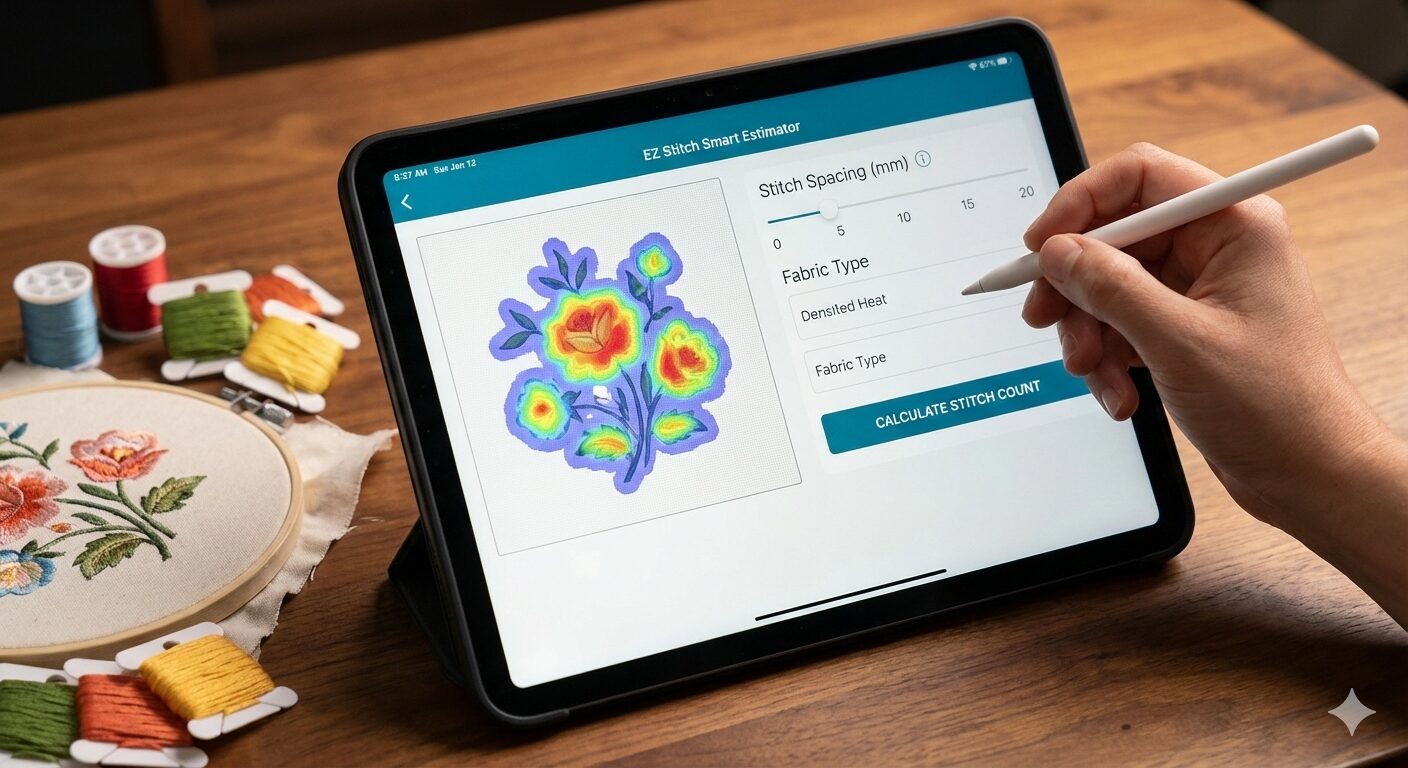
Embroidery digitizing software converts digital artwork into files that embroidery machines can read. It takes your design, be it a logo, image, or custom artwork, and translates it into precise instructions, guiding the embroidery machine to stitch it onto fabric.
Beyond simply converting designs, this software offers several tools to refine and perfect your artwork, including resizing, color adjustments, and a variety of stitch techniques.
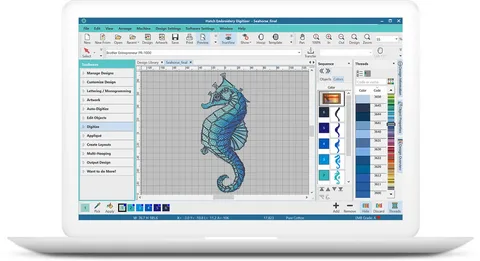
Choosing the Right Embroidery Digitizing Software
Selecting the ideal software depends on several factors:
Skill Level – Are you a beginner or a seasoned pro? Beginners will want software that is user-friendly, while advanced users may need more powerful tools.
Purpose – Are you designing for fun or for a business? Hobbyists can get away with basic software, while business owners will likely need more robust options.
Budget – Free software can be a great starting point, but businesses or serious hobbyists may find investing in premium software worth the cost.
Features – What tools do you need? Some software offers simple design creation, while others provide advanced editing and multi-format file support.
Top 5 Embroidery Digitizing Software Options
Here’s a breakdown of five popular embroidery digitizing software programs that stand out in the industry:
1. Ink/Stitch: The Free Option for Beginners
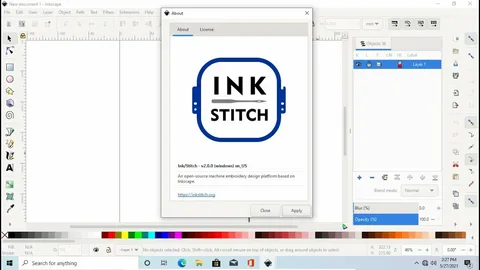
Features:
Open-source software with free access to a wide range of embroidery features.
Regular updates from the open-source community.
Compatible with multiple platforms, including Windows, macOS, and Linux.
Pros:
Free of charge, making it accessible to all users.
Support for many machine file formats.
Cons:
A steeper learning curve, especially for beginners.
Lacks some advanced features found in premium software.
2. Embrilliance Essentials: Great for Hobbyists
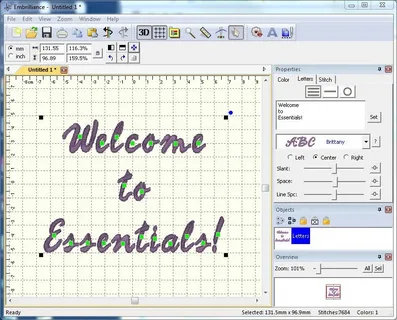
Features:
Beginner-friendly with a simple interface.
Supports basic editing, lettering, and digitizing capabilities.
Available for both Mac and Windows users.
Pros:
Excellent customer support.
Regular software updates.
Cons:
Lacks advanced tools for complex design work.
3. Hatch Embroidery: Best for Skill Development
Features: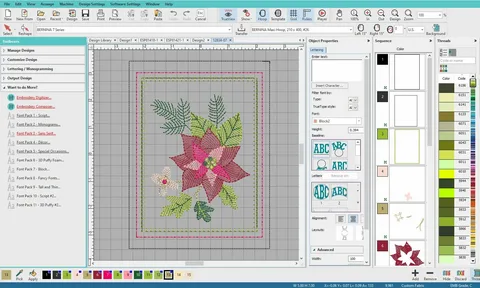
User-friendly layout with auto-digitizing tools.
Includes a range of pre-made designs and fonts.
Supports both basic and intermediate embroidery techniques.
Pros:
Easy to learn with high-quality results.
Excellent for growing your embroidery skills.
Cons:
Higher price point may not suit casual users.
4. Wilcom Embroidery Studio: Industry Standard
Features:
Comprehensive software that covers design, editing, and production management.
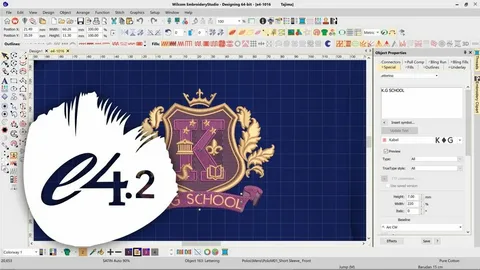
Advanced stitch quality and professional-level tools.
Facilitates collaboration among team members.
Pros:
Preferred by professionals for complex projects.
Suitable for high-volume production.
Cons:
High cost, making it more suitable for businesses than hobbyists.
5. Tajima DG/ML by Pulse: Advanced Digitizing Software
Features: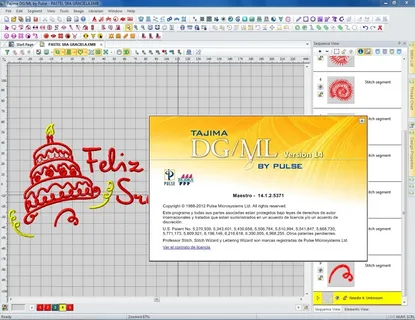
Ideal for creating intricate, detailed embroidery designs.
Compatible with a wide range of file formats and embroidery machines.
Customizable user interface to improve workflow.
Pros:
Advanced tools for precision and customization.
Tailored features for the fashion and textile industries.
Cons:
Steep learning curve for beginners.
Premium pricing may be a barrier for casual users.
Comparing the Best Embroidery Digitizing Software
Here’s a quick comparison to help you make an informed decision:
| Software | Type | User Level | Pros | Cons |
|---|---|---|---|---|
| Ink/Stitch | Free | Beginner-Advanced | No cost, extensive resources | Steeper learning curve |
| Embrilliance Essentials | Home Use | Beginner | Easy to use, great support | Limited advanced features |
| Hatch Embroidery | Home Use | Intermediate | High-quality output, intuitive | Higher cost |
| Wilcom Embroidery Studio | Professional | Advanced | Industry-standard, comprehensive | Expensive |
| Tajima DG/ML by Pulse | Professional | Advanced | Customizable UI, flexible tools | High cost, steep learning curve |
Frequently Asked Questions (FAQs)
Can I Use Free Software for Professional Projects?
Yes, free software like Ink/Stitch can be used for professional projects, but its limited features might affect the quality and efficiency of complex designs. For advanced projects, premium software might be a better investment.
Is It Worth Investing in Professional Software for Home Use?
Professional software can provide advanced features and flexibility, but it’s often more expensive. It’s only worth the investment if you require advanced tools or plan to scale your embroidery business.
Final Thoughts
Embroidery digitizing software is the backbone of modern embroidery work. Whether you’re exploring creative stitching or managing orders for clients, your choice of software makes all the difference.
Looking for quality embroidery digitizing without learning the software yourself? Let Ez Stitch Digitizing do the work for you!
Try Our Services Starting at Just $5
We offer:
- High-quality digitized files
- Fast turnaround
- Free edits
Get your first order for just $5.
👉 View Our Pricing Plans
📩 Contact us: info@ezstitchdigitizing.com