Overview of Wilcom Software
Wilcom embroidery software is one of the most trusted names in the embroidery industry. Known for its advanced digitizing tools and professional-grade features, Wilcom is designed to help both beginners and seasoned embroiderers create flawless stitch files. From logos to complex custom artwork, it provides precision, flexibility, and efficiency.

Features and Functionality of Wilcom Embroidery Software
Digitizing Tools
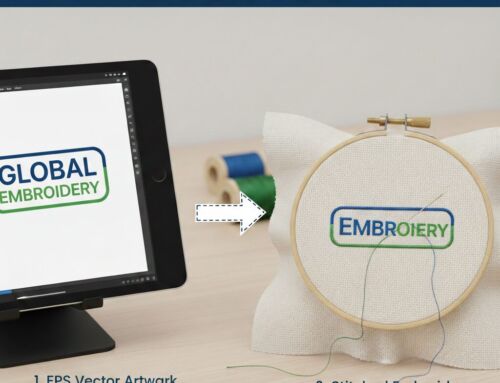
Automatic Digitizing: Quickly transform images, logos, or vector files into embroidery stitch patterns. This saves time while maintaining stitch quality.
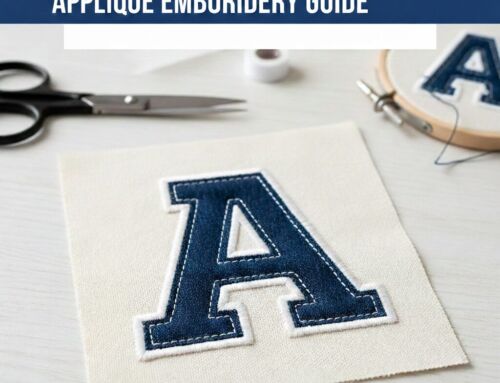
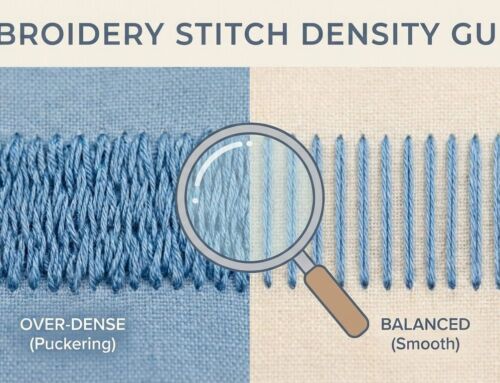
Manual Digitizing: For complex projects, Wilcom offers full control over stitch types (satin, fill, running, etc.), density, direction, and underlay. This ensures a balance of creativity and stability.
Editing and Design Capabilities
Resize and reshape designs while preserving stitch integrity.
Re-sequence stitches for smoother embroidery flow.
Fix misalignments and optimize small details.
Recolor threads with a simple click.
Stitch Effects and Lettering
Add unique effects like split stitches, shading with variable density, and calligraphy styles.
Access a library of 200+ professionally digitized fonts.
Convert TrueType and OpenType fonts directly into embroidery stitches.
File Compatibility and Conversion
Supports 35+ embroidery file formats.
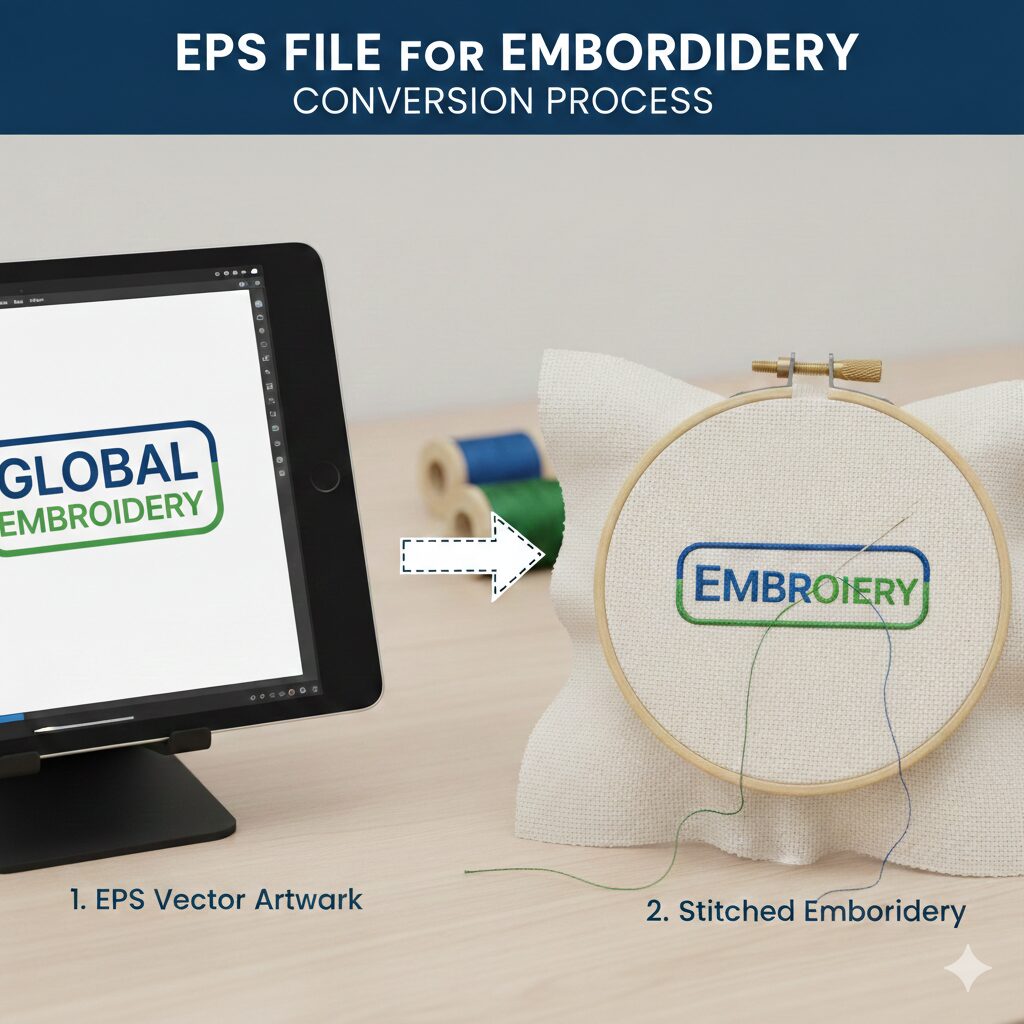
Convert designs seamlessly between file types for machine compatibility.
Use Adobe Illustrator plugins for smooth vector-to-embroidery workflows.
Truesizer and Simulation
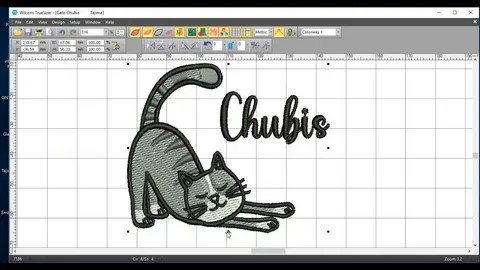
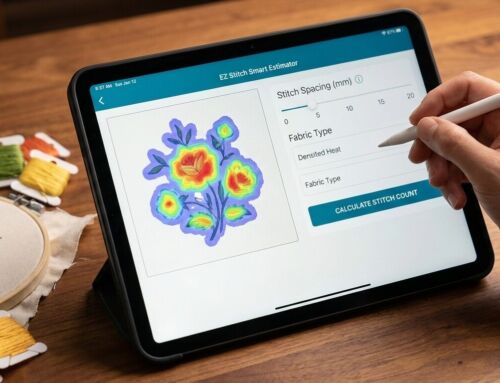
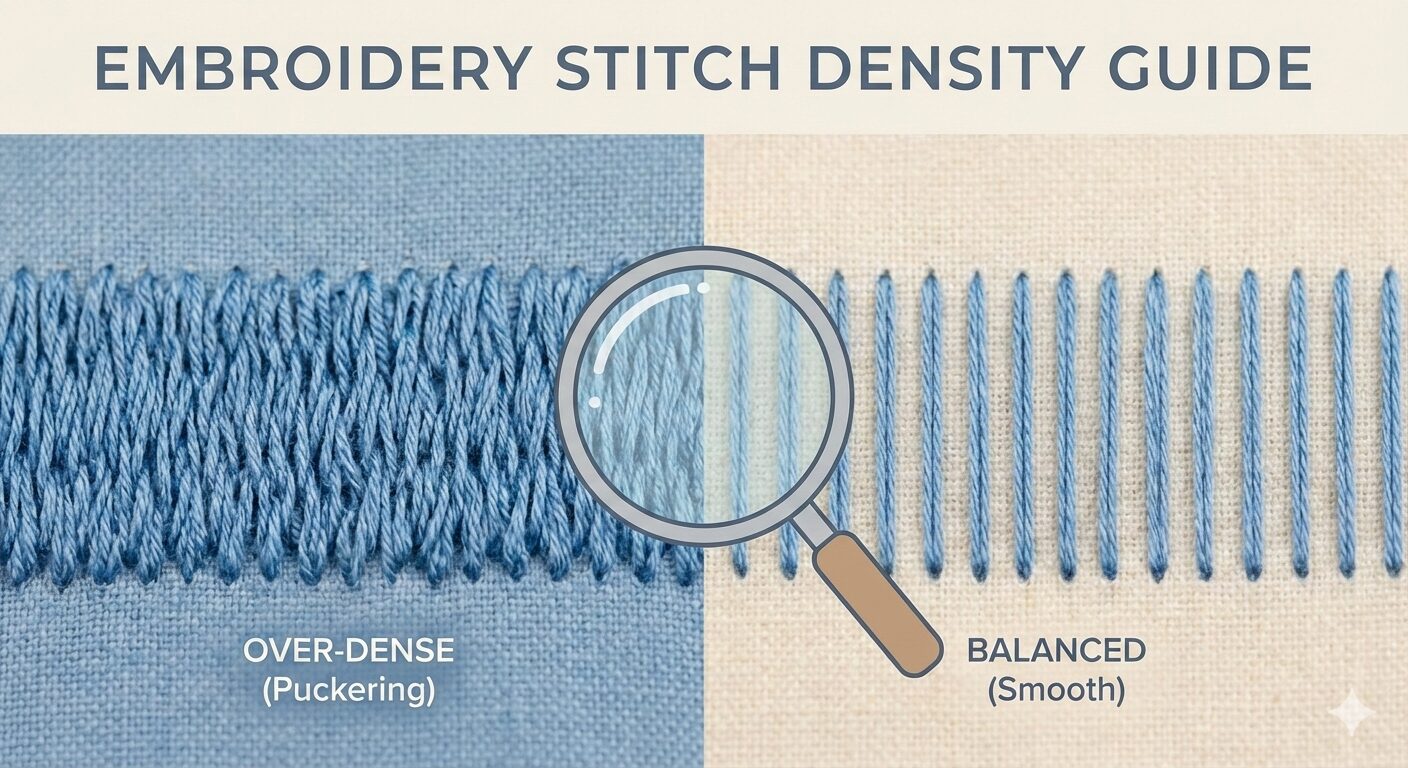
Truesizer: Resize designs while maintaining perfect stitch density.
Simulation: Preview stitch-outs digitally before running the design on fabric, reducing trial-and-error.
User Interface and Ease of Use
Beginners
Learning curve can feel steep due to advanced tools.
Tutorials, guides, and video training are available to help new users.
Experienced Users
Highly customizable workspace and shortcuts.
Time-saving automation for tasks like underlay generation and color changes.
Greater creative control for professional results.
Workflow Efficiency
Wilcom enhances productivity through features like:
Batch processing for converting or resizing multiple files.
Automation tools such as auto-branching, underlay creation, and hole punching.
Integration with design software, eliminating repetitive exporting/importing.
Why Wilcom Embroidery Software Might Be a Good Fit for You
For Professionals: Tools like sequins, 3D lettering, and bulk processing make it ideal for commercial embroidery.
For Businesses: Scales easily for shops with multiple machines, ensuring consistent quality across orders.
For Teams: Collaboration features and access controls streamline multi-user workflows.
Pros and Cons of Wilcom Embroidery Software
✅ Pros
Advanced digitizing tools for full creative control.
200+ professional embroidery fonts.
True-to-life stitch simulation before production.
Compatibility with over 35 embroidery formats.
Scalable for both hobbyists and large shops.
❌ Cons
High cost compared to basic embroidery software.
Steeper learning curve for beginners.
Limited Mac compatibility without additional setup.
Conclusion
Wilcom embroidery software stands as one of the most advanced digitizing platforms in the market. While it may feel overwhelming at first—and comes with a premium price tag—its features, accuracy, and efficiency make it a worthwhile investment for serious embroiderers.
If you’re a hobbyist aiming for professional results or a business managing multiple machines, Wilcom can transform your embroidery workflow.
👉 Need embroidery digitizing services instead of handling software yourself? Contact us today at info@ezstitchdigitizing.com or message us on Facebook.
Frequently Asked Questions
1. How much does Wilcom embroidery software cost?
Wilcom is a premium software, with prices depending on the version and license. While more expensive than beginner tools, its advanced digitizing features justify the investment for professional use.
2. Can I use Wilcom on Mac?
Wilcom is primarily designed for Windows. However, Mac users can run it via virtual machines or emulators. Some compatibility adjustments may be required for smooth performance.
3. Is Wilcom embroidery software good for beginners?
Yes, though beginners may find the learning curve steep. Fortunately, Wilcom provides tutorials, training resources, and video guides to help new users get started effectively.
4. What file formats does Wilcom support?
Wilcom can open and export over 35 embroidery formats, including DST, PES, EXP, and EMB. This makes it versatile for working across different embroidery machines.
5. What is Wilcom Truesizer?
Wilcom’s Truesizer allows users to resize embroidery designs without compromising stitch density or quality. It ensures designs maintain their intended look when scaled up or down.