What Are Vector Files and Why Do They Matter?
If you’ve ever worked with digital design or embroidery, you’ve probably heard the term vector file. Designers often ask for a “vector version” of your logo, and many clients wonder: Why can’t they just use the image from my website?
This guide will explain what vector files are, how they differ from other image types, and why they’re essential for embroidery digitizing, graphic design, and print projects.
Vector Files vs Raster Images
There are two main ways to represent images digitally:
Raster Images (Bitmaps)
Built from thousands or millions of tiny colored squares (pixels).
Common formats: PNG, JPEG, GIF.
When zoomed in or enlarged, they look blurry or “pixelated.”
Great for photos, but not ideal for logos or designs that need scaling.
Vector Graphics
Created with mathematical paths made of lines and curves.
Can be resized infinitely without losing quality.
Crisp and clear whether on a business card or a billboard.
Common formats: SVG, EPS, AI, PDF, CDR.
👉 In short: Raster = pixels, Vector = math-based paths.
Common Vector File Types You’ll Encounter
Here are the most popular vector file extensions and their uses:
SVG (Scalable Vector Graphics): Ideal for logos, icons, and web graphics. Supported by all modern browsers.
EPS (Encapsulated PostScript): A classic format, still widely used in print and professional design.
PDF (Portable Document Format): Great for preserving layouts in print-ready designs.
AI (Adobe Illustrator): The go-to format for designers using Illustrator.
CDR (CorelDRAW): Common in embroidery, sign-making, and apparel design.
Each format has its strengths, but they all share the same advantage: scalability without quality loss.
Why Are Vector Files Important?
The biggest advantage of vector files is flexibility. For example, a business logo needs to appear:
On a website header.
On a business card.
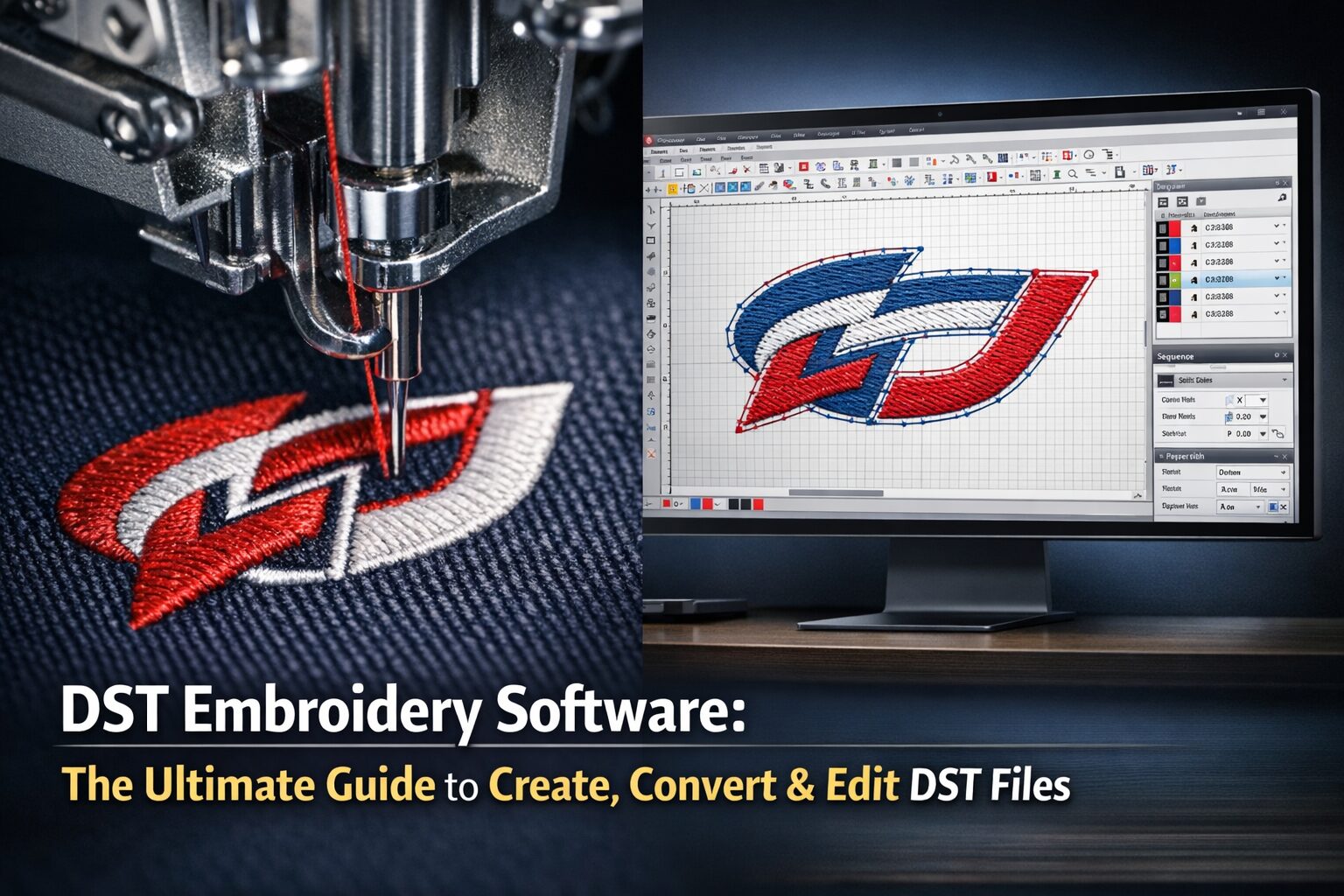
On embroidery for uniforms.
On a large outdoor banner.
Using a raster image would result in blurry edges at larger sizes, while a vector file ensures sharp, professional results every time.
Another bonus: vector files are usually smaller in size compared to high-resolution raster files.
How to Tell If a File Is Vector
Just because a file has a vector extension (SVG, EPS, PDF, AI, etc.) doesn’t guarantee it’s truly vectorized. For example, you can have a JPEG image saved inside an SVG container — but that doesn’t make it a real vector.
👉 Quick test: Open the file in a design program and zoom in.
If the edges stay smooth: it’s a vector.
If you see squares (pixels): it’s raster.
How to Convert Raster Images to Vector Files
Need to turn a bitmap into a vector? You have two main options:
Automatic Vectorizing Tools: Many design programs (like CorelDRAW or Illustrator) can trace images into vector paths with a few clicks.
Manual Redrawing: For cleanest results (especially with logos), professionals often redraw the design using vector tools.
⚠️ Simply saving a JPEG as an SVG or EPS won’t convert it to a vector — it will still just be a raster image in disguise.
Editing Vector Files
Once you have a vector file, editing is straightforward. Designers can:
Change colors.
Resize without losing quality.
Export to different formats (e.g., SVG to EPS).
That flexibility is exactly why embroidery digitizers and print designers request vector files upfront.
Frequently Asked Questions (FAQ)
1. What are vector files used for?
Vector files are used for logos, embroidery digitizing, printing, signage, and anything requiring resizing without quality loss. They ensure sharp results across all mediums.
2. Can I use a JPEG or PNG instead of a vector file?
Yes, but with limitations. Raster files like JPEGs can look blurry when scaled. For professional results in print or embroidery, vector files are strongly preferred.
3. How do I know if my file is vector?
Zoom in on the file in a design program. If edges remain smooth and clean, it’s vector. If you see tiny squares (pixels), it’s raster.
4. Which vector file format is best for embroidery?
Formats like CDR, AI, and EPS are commonly used. However, digitizers can work with many types — as long as the file is truly vectorized.
5. Can photos be vectorized?
Photos are too complex for full vector conversion. However, they can be simplified into stylized vector illustrations for specific design needs.
6. Do I need special software to edit vector files?
Yes. Popular programs include Adobe Illustrator, CorelDRAW, and Inkscape (free). These allow you to open, edit, and export vector graphics.
Final Thoughts: Why Vector Files Are Essential
Understanding what vector files are helps you save time and money in design, print, and embroidery projects. Whether you’re a hobbyist, crafter, or small business owner, providing a clean vector file ensures professional-quality results every time.
💡 Need help preparing or converting your files for embroidery digitizing or vectorizing? Contact us today at info@ezstitchdigitizing.com or message us on Facebook.