What Are Vector Image File Types?
Vector image file types are digital formats that store images using mathematical formulas instead of pixels. This allows them to be resized infinitely without losing quality — making them perfect for logos, print designs, and embroidery digitizing. Unlike raster files (like JPG or PNG), vector files remain crisp and sharp no matter the scale.
Why Vector Files Matter in Embroidery and Printing
Whether you’re a small business creating promotional products or a crafter working with apparel, vector images are essential. They ensure clean lines, accurate colour separations, and scalable results across different mediums — from T-shirt printing to embroidery digitizing.
At EZ Stitch Digitizing, we work with all major vector file types to make sure your artwork is production-ready.
The Most Common Vector Image File Types
1. AI (Adobe Illustrator)
The industry standard for design professionals, AI files are fully editable and perfect for creating logos, typography, and detailed artwork. They’re best used in design software before exporting to other formats.
2. EPS (Encapsulated PostScript)

Widely compatible, EPS files can be opened in many design and printing programs. They’re great for transferring artwork between clients, printers, and embroidery digitizers.
3. SVG (Scalable Vector Graphics)
SVG files are lightweight and web-friendly, making them ideal for digital use. They’re commonly used for websites, Cricut designs, and scalable graphics online.
4. PDF (Portable Document Format)
PDFs are versatile — they can store both vector and raster data. When saved properly, a vector PDF is excellent for sharing artwork with printers while preserving editability.
5. CDR (CorelDRAW)
Popular among embroidery digitizers and sign makers, CDR files are native to CorelDRAW. They’re commonly used in textile design, signage, and promotional product industries.
Vector vs Raster: Key Differences
| Feature | Vector | Raster |
|---|---|---|
| Scalability | Infinite, no quality loss | Limited, becomes blurry |
| Best For | Logos, embroidery, printing | Photos, web graphics |
| File Size | Small | Larger |
| Formats | AI, EPS, SVG, PDF, CDR | JPG, PNG, GIF, TIFF |
If your logo or artwork is still in raster format (JPG or PNG), it must be converted into a vector before production.
Which Vector Image File Type Should You Use?
For Printing: EPS or PDF is best.
For Web & Digital Projects: SVG is lightweight and sharp.
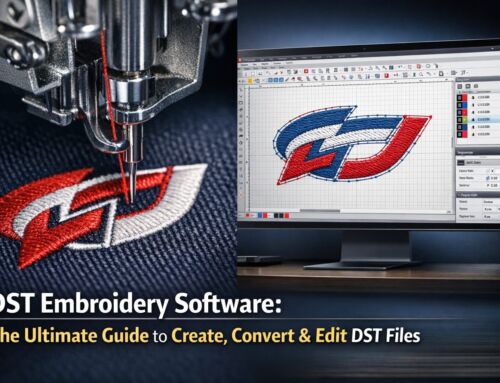
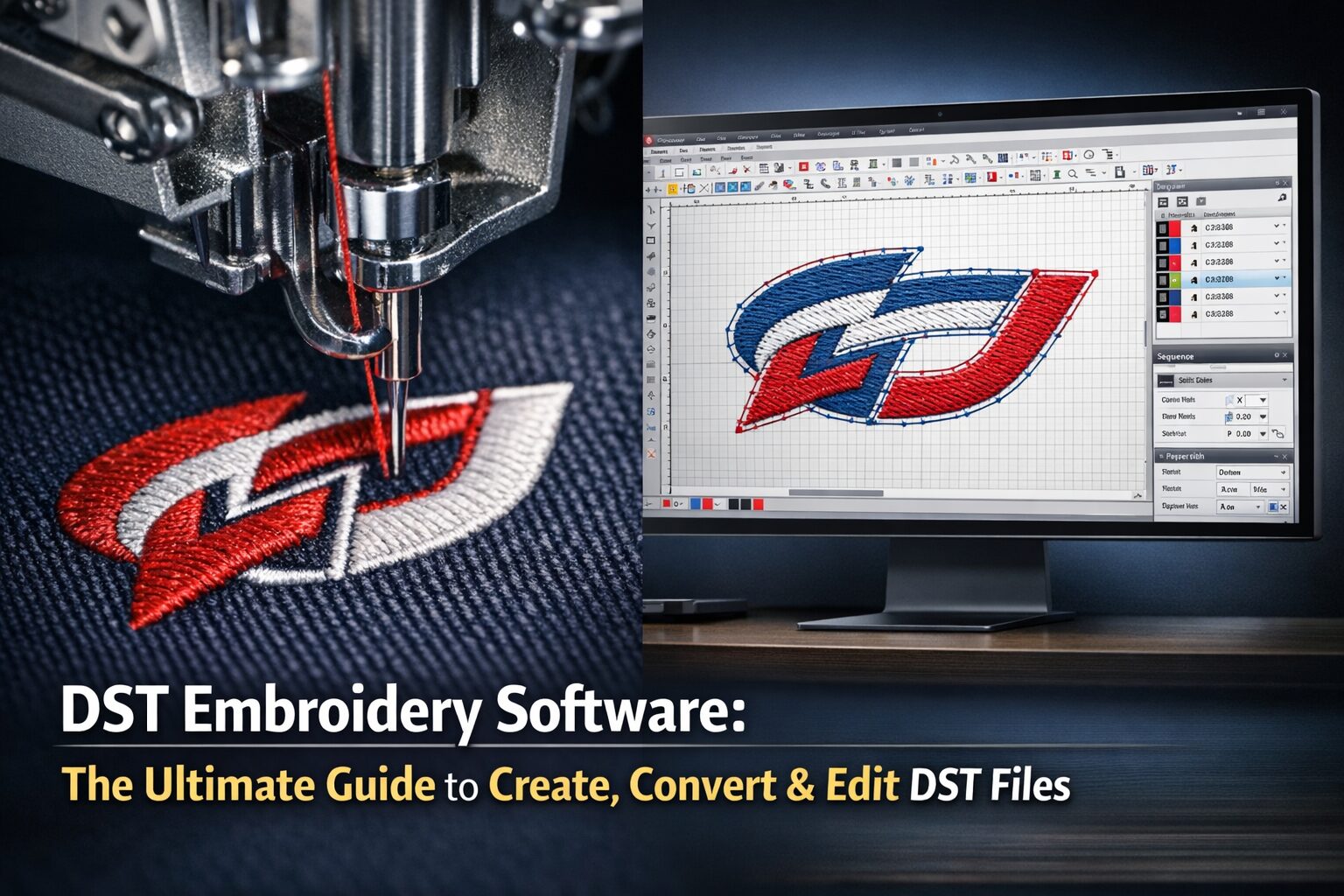
For Embroidery Digitizing: CDR, AI, or EPS are preferred for clean stitch paths.
For Archiving & Sharing: PDF is the safest option.
Final Thoughts
Understanding vector image file types helps you choose the right format for your project — whether it’s T-shirt printing, logo design, or embroidery digitizing. If you’re unsure which format to use, our team can help convert and prepare your artwork professionally.
📩 Get in touch today at info@ezstitchdigitizing.com or message us on Facebook to make your design production-ready.
Get a Quote for Vector tracing!
Frequently Asked Questions
Q1. What is the best vector file type for logos?
AI and EPS are the most reliable formats for logos because they are editable, scalable, and widely supported by printers and embroidery software.
Q2. Can a PNG or JPG be converted into a vector file?
Yes, but it requires professional vectorizing. Raster files like PNGs or JPGs are redrawn into clean vector lines, ensuring they can scale without losing quality.
Q3. Is PDF always a vector file?
Not always. PDFs can contain raster images too. To ensure it’s vector-based, the file must be saved or exported from a design program like Illustrator or CorelDRAW.
Q4. What software opens vector files?
Adobe Illustrator, CorelDRAW, and Inkscape can open vector files. Many embroidery digitizing programs also support EPS, AI, and CDR formats.
Q5. Why are vector files better for embroidery?
Vector files provide clean outlines and shapes that can be mapped to stitches, ensuring accuracy, smoother embroidery, and fewer errors in digitizing.