A vector file extension plays a key role in modern design, printing, embroidery digitizing, and branding. Unlike pixel-based images that blur when resized, vector graphics scale perfectly at any size. Whether you’re preparing a logo for a business card, billboard, or embroidery stitch file, vectors ensure clean and crisp results every time.
Below, we break down what vector files are, how they work, where they’re used, and which formats designers and businesses rely on most.
What Is a Vector File Extension?
A vector file extension refers to formats that store artwork using mathematical paths rather than pixels. Because vectors are built with points, lines, curves, and shapes, they remain perfectly sharp at any scale.
This makes vector formats essential for:
Logos & branding assets
Signage & packaging
Embroidery digitizing & print files
Apparel graphics and heat-transfer designs
CAD and technical drawings
Raster images (like PNG or JPG) pixelate when stretched. Vector files do not lose clarity, making them the professional choice for scalable, editable artwork.
Anatomy of Vector Graphics
Understanding how vector graphics work helps you edit and export them correctly:
Paths: Connect points to form shapes
Anchor Points: Control curves and direction
Lines & Curves: Define edges and structure
Fill & Stroke: Color inside and outline of objects
Layers/Groups: Keep complex artwork organized
This structure allows precise editing and effortless resizing without quality loss.
Types of Vector File Extensions
Different vector formats serve different purposes. Here are the most widely used ones:
AI (Adobe Illustrator)
Native Illustrator format that retains layers, effects, and full editing control. Ideal for brand design, packaging, and illustration workflows.
EPS (Encapsulated PostScript)
Legacy print-friendly vector file often used by screen printers, signage shops, and print houses. Limited support for modern transparency/effects.
SVG (Scalable Vector Graphics)
Lightweight, web-friendly format perfect for icons, digital logos, and scalable graphics online. Supports animation and CSS styling.
PDF (Vector-Based Portable Document Format)
Universal file that can contain vector artwork. Excellent for print files and sharing designs without losing quality.
CDR (CorelDRAW)
Native format for CorelDRAW, widely used in signage, printing, and apparel design industries.
DXF (Drawing Exchange Format)
Created for CAD programs. Ideal for CNC, engraving, laser cutting, metal/plastic fabrication, and engineering graphics.
Advantages of Vector File Extensions
Scalability without losing sharpness
Smooth, clean lines for professional results
Lightweight files compared to high-resolution raster images
Easier to edit colors, shapes, and text
Ideal for branding, printing, embroidery, signage, and CNC
Consistent quality across materials and media
When accuracy and flexibility matter, vectors are the superior format.
How To Open and Edit Vector Files
Recommended Software
Professional:
Adobe Illustrator
CorelDRAW
Affinity Designer
Free / beginner-friendly:
Inkscape
Gravit Designer
Simple Workflow
Open file in a vector program
Edit shapes, colors, anchors, and layers
Export or save in correct format depending on use
PDF/AI/EPS for print
SVG for web
DXF for machines/CAD
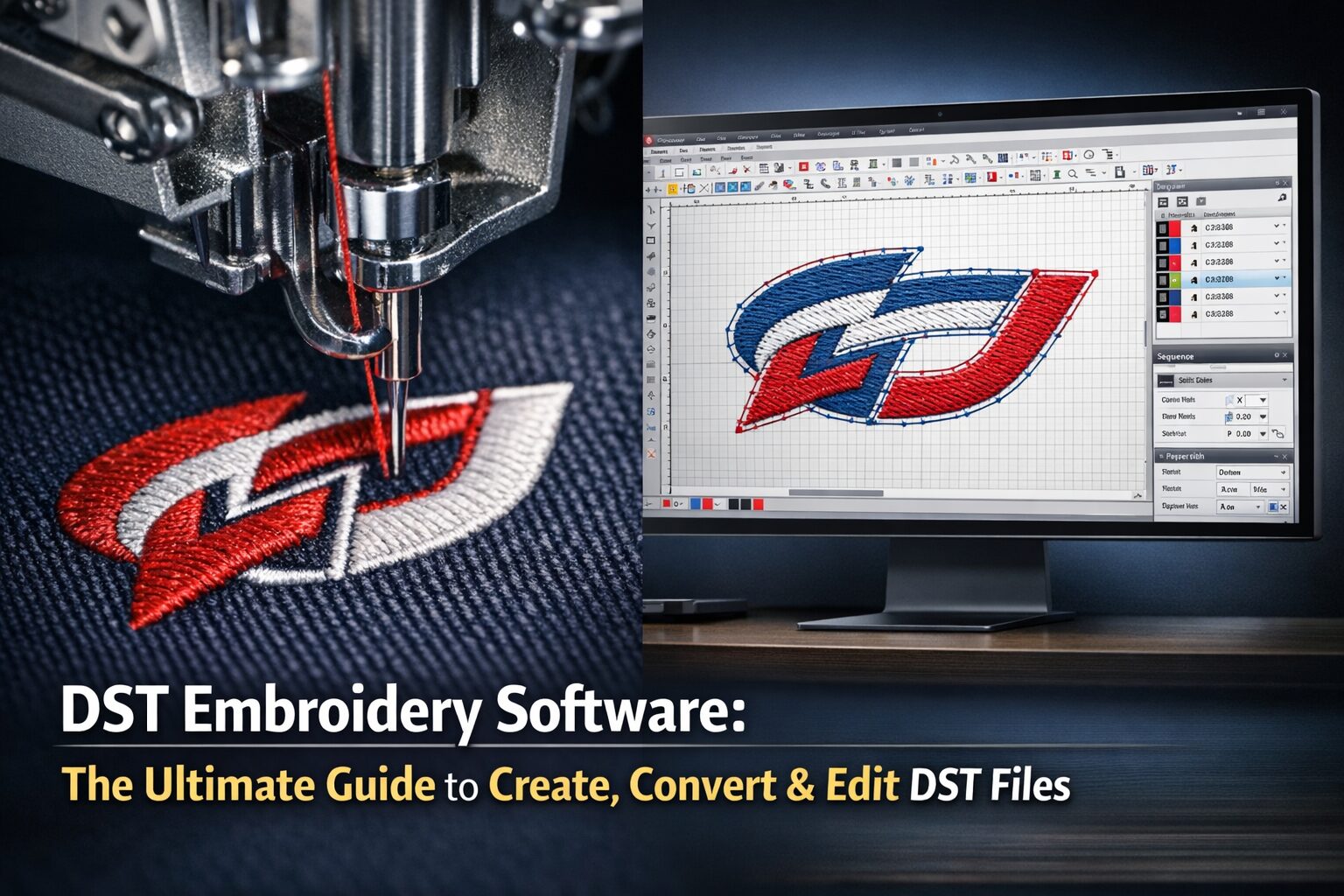
EMB/DST when converting for embroidery
How To Use Vector Files Effectively
Keep a master vector file for future edits
Export to specific extensions for different platforms
Organize layers for faster revisions
Use clean paths for easier editing
Double-check software compatibility before sending files
Name files clearly (ex: Brand-Logo-CMYK.ai / Web-Logo.svg)
Tip: For embroidery, convert to stitch format only from clean vector artwork to ensure smooth results.
Conclusion: Why Vector Files Matter
A vector file extension isn’t just a format choice—it’s a quality investment in your brand or creative project. From printing and apparel to embroidery and digital media, vectors ensure your artwork remains sharp and professional everywhere it appears.
If you need expert vector conversion or embroidery digitizing, we handle every design with precision and manual tracing for the cleanest results. Trusted by creators, small brands, and apparel businesses across the US and UK.
Contact us today for reliable vector art services and embroidery digitizing support.
Email: info@ezstitchdigitizing.com
Facebook: https://www.facebook.com/EZStitchDigitizing1/
Frequently Asked Questions
Is PNG a vector file extension?
No. PNG is a raster format based on pixels, not paths. It is ideal for web use and transparent backgrounds, but will lose quality when enlarged. To scale artwork cleanly, use true vector formats such as AI, SVG, EPS, or PDF.
Is PDF always a vector file?
Not always. A PDF can contain vector or raster content. If the artwork was exported from a true vector source, the PDF will scale cleanly. But if someone saved a JPG inside a PDF, it remains pixel-based. Always confirm the original source.
Which vector file extension is best for logos?
AI, EPS, SVG, and PDF are most common. AI and EPS are ideal for printing and editing, SVG is best for web and digital display, and PDF works universally. Many designers provide all four for maximum compatibility.
How do I convert an image into a vector file?
You can trace manually in Illustrator or Inkscape, or hire a professional for clean, accurate vector creation. Auto-trace tools work for simple shapes, but professional manual tracing ensures crisp, editable lines suitable for print and embroidery.
Is SVG better than PNG?
For scalable icons, websites, and logos, SVG is better because it scales infinitely. PNG is better for detailed photos or textures where raster precision is needed. Each has its own use case.