What Are Embroidery Machine File Formats?
When you’re working with an embroidery machine, the file format you use can make or break your project. Each embroidery machine brand has its own specific format. Choosing the wrong one? Your design won’t even load.
This guide walks you through everything you need to know about embroidery machine file formats — whether you’re using Brother, Janome, or any other brand.
Why File Format Matters for Embroidery Machines
File formats are like languages your machine speaks. Each format contains stitching commands, thread colors, start/stop points, and more. Feeding the wrong format to your machine is like giving French instructions to someone who only speaks English.
Most popular embroidery file formats include:
DST (Tajima machines)
PES (Brother, Babylock)
JEF (Janome)
EMB (Wilcom software format)
EXP (Melco, Bernina)
HUS (Husqvarna)
While some formats work across multiple machines, most are brand-specific. Always check compatibility before using a file.
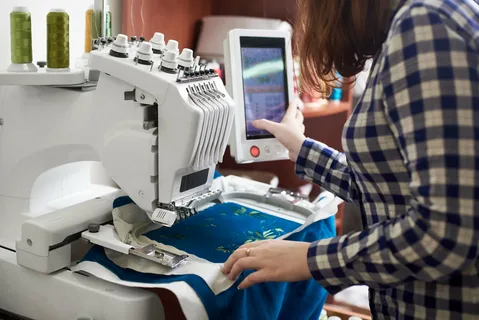
Most Common Machine Embroidery File Types
🔁 Universal or Software Formats
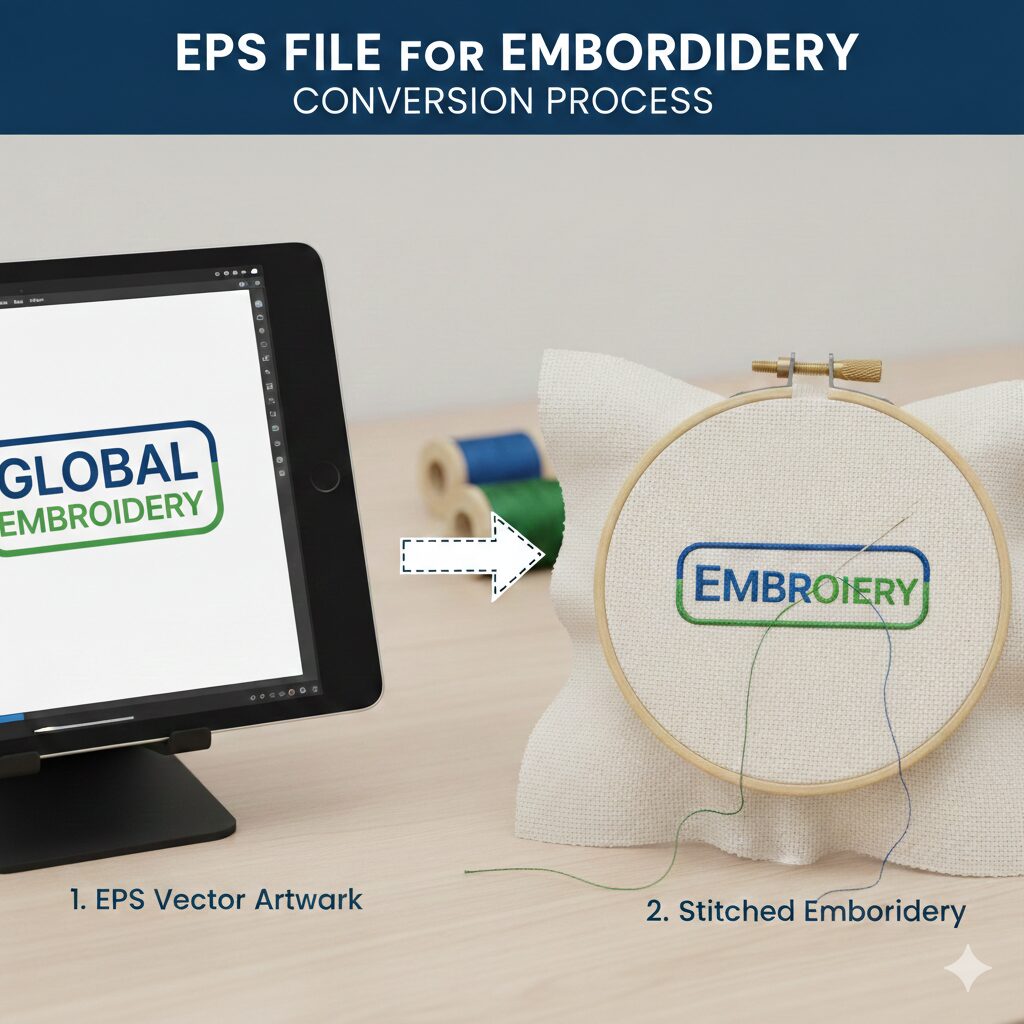
EMB – Used with Wilcom software; can export to all other machine-specific formats.
OFM – Used in OESD’s embroidery software.
🧠 Brand-Specific File Formats
| Machine Brand | Format(s) Used |
|---|---|
| Brother/Babylock | PES, PEC |
| Janome/Elna/Kenmore | JEF, SEW |
| Bernina | ART, EXP |
| Pfaff | PCS, PCD, PCQ |
| Singer | CSD, XXX |
| Tajima | DST, T01 |
| Barudan | DSB, T03 |
| Melco | CND, EXP |
| ZSK | DSZ, T05 |
| Husqvarna/Viking | HUS, VIP |
| Happy, Toyota | TAP, 10O |
Note: These extensions indicate format compatibility, not design size or color settings.
Spotlight: DST Format in Embroidery
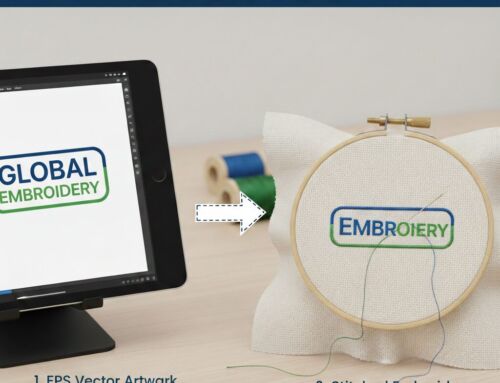
DST is one of the most widely used file types in commercial embroidery. Originating with Tajima machines, it’s accepted by many brands like SWF, Barudan, and Brother (commercial models).
However, DST is not editable — it lacks color information and doesn’t support resizing well. To make changes, you must go back to your original EMB file. That’s why professional digitizers always keep editable source files before converting to DST.
How to Get Free Machine Embroidery Design Formats
Plenty of websites offer free embroidery files, but they may not always come in the format you need. The best way? Request your file in the correct format when placing a custom digitizing order.
A few trustworthy places to explore:
EmbLibrary
Creative Fabrica
DesignsByJuJu
EZ Stitch Digitizing (custom requests via info@ezstitchdigitizing.com )
Always double-check the format before using it with your machine!
Tips for Using Files Across Different Embroidery Machines
Switching between machines? Follow these tips:
Use software like Wilcom, Embrilliance, or SewArt to convert formats.
Always test a design on scrap fabric first.
Request both the editable EMB file and your machine-specific file (e.g., PES or JEF) when ordering from a digitizer.
Organizing Your Embroidery Files: Best Practices
Save yourself a headache by organizing files properly:
Use folders labeled by project or format (e.g., “PES Hats,” “DST Logos”)
Include a .JPG image of the final design with every file
Back up your library monthly to a cloud service or external drive
Advanced Formats for Special Embroidery Techniques
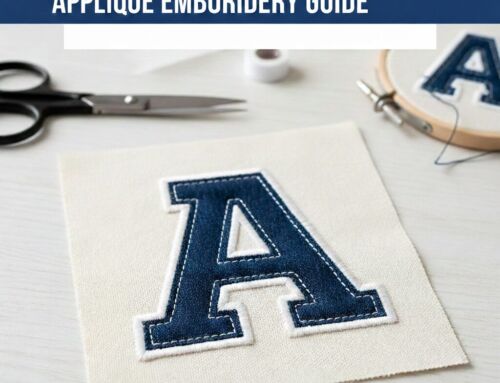
Doing lacework, appliqué, or puff embroidery? Some techniques require more advanced file instructions.
3D Puff Embroidery often uses layered DST files
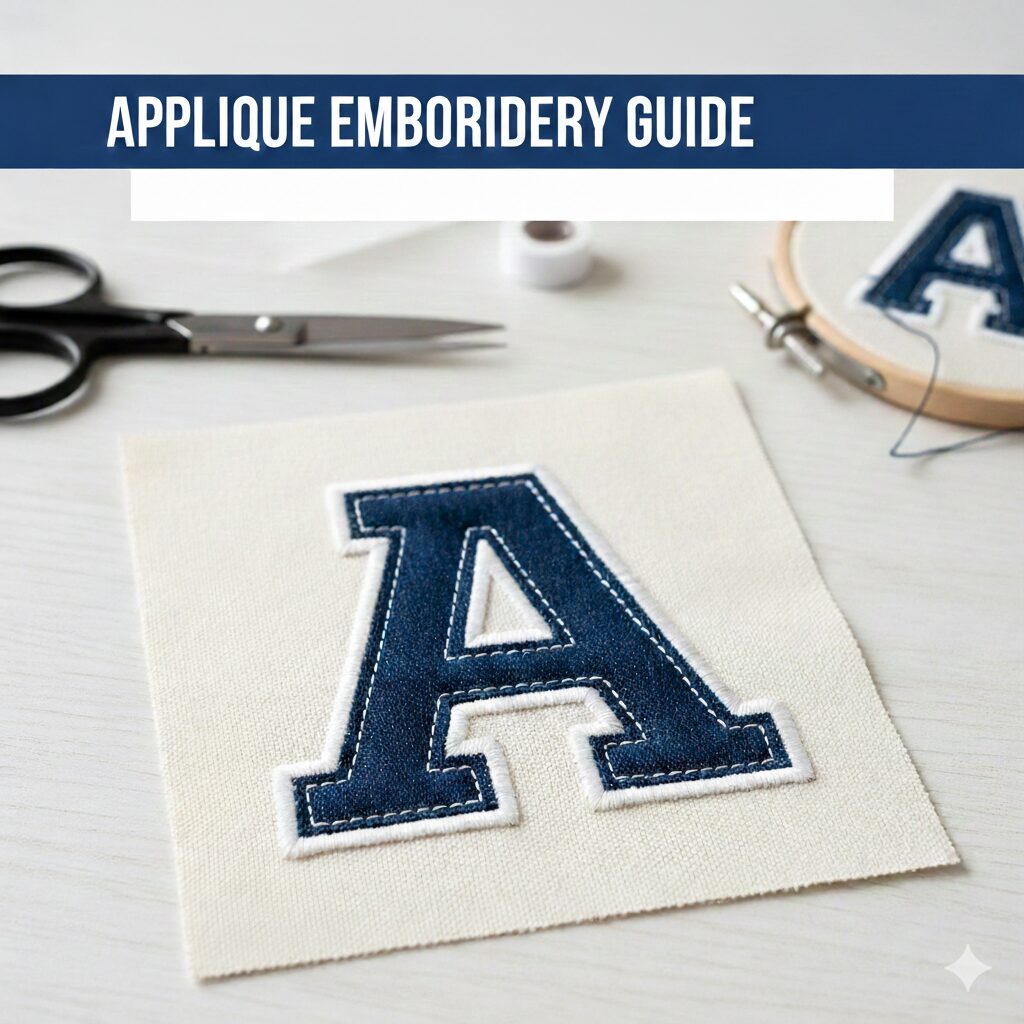
Appliqué may need extra thread trims or manual stops
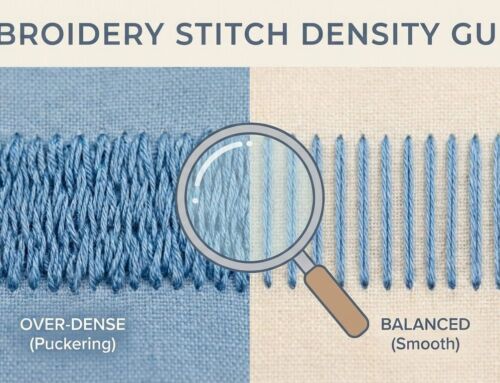
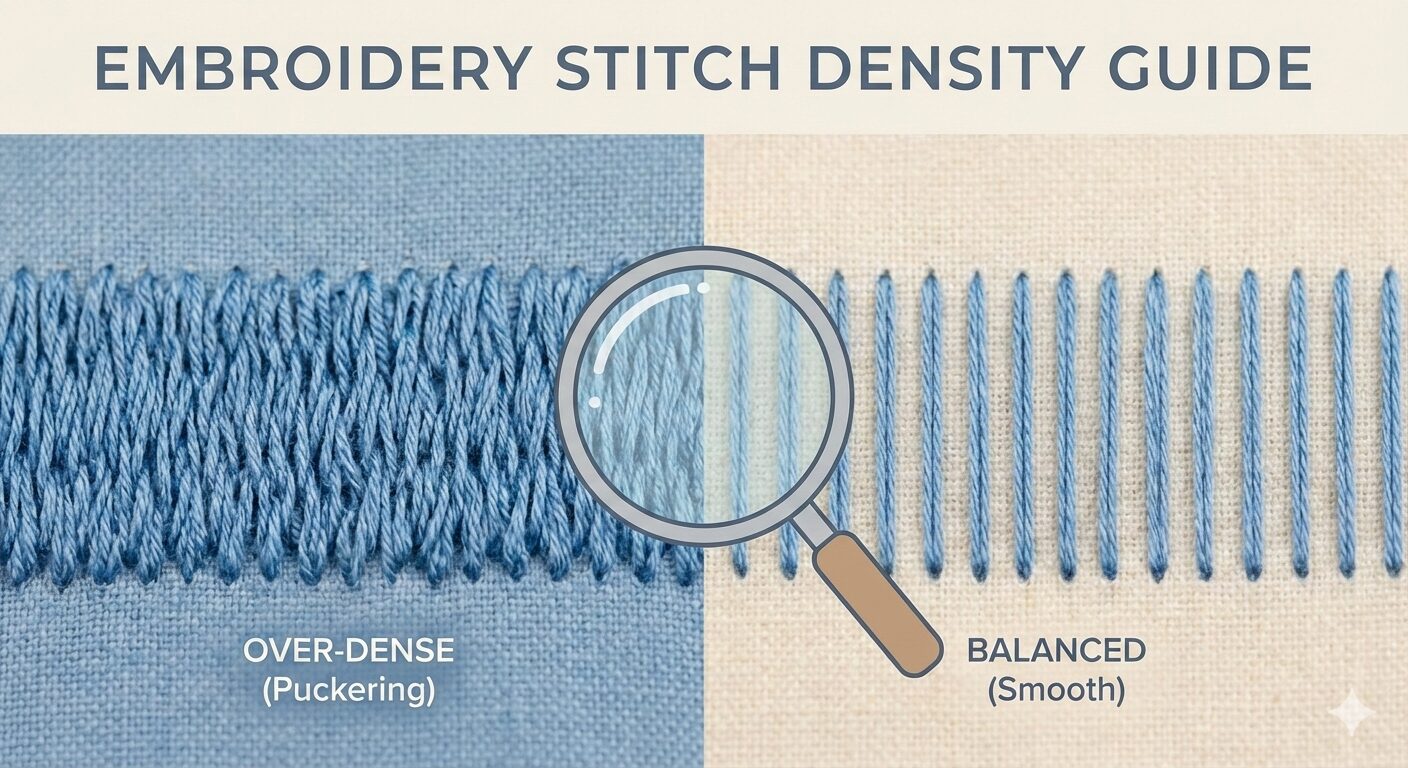
Lace Embroidery requires high stitch density and tight loops
Always inform your digitizer of the intended technique before ordering.
Looking Ahead: The Future of Embroidery File Formats
Expect smarter file formats in the near future — with built-in color previews, 3D stitch simulation, and even cloud syncing. Wilcom, Brother, and Bernina are already working on these advancements.
Digitizing software is also evolving, making it easier for small shops to get production-ready files.
Conclusion: Master the Format, Master the Stitch
Understanding embroidery machine file formats is essential if you want clean, professional stitch-outs. Whether you’re stitching at home or running a busy shop, using the correct format saves time, avoids machine errors, and ensures beautiful results.
🎯 Need embroidery files in the right format for your machine?
EZ Stitch Digitizing offers:
All standard file types (DST, PES, JEF, XXX, HUS, EXP, and more)
$5/design for small-size jobs under 4.5″
12–24 hour turnaround
Free edits & image previews
📩 Email: info@ezstitchdigitizing.com
🔗 Message us on Facebook