Converting an SVG to EXP is a critical step for modern decorators moving from graphic design to commercial embroidery. While an SVG (Scalable Vector Graphics) is defined by mathematical paths, an EXP file is a specialized machine-code format used primarily by Melco and Bernina commercial machines.
In this guide, we’ll explore how to navigate this conversion using free tools, professional software, and manual digitizing techniques to ensure your designs stitch out perfectly every time.
Understanding the Fundamentals: SVG vs. EXP
Before you hit “convert,” it is vital to understand what happens under the hood. An SVG contains “nodes” and “paths” that tell a screen how to draw a shape. However, an embroidery machine doesn’t care about shapes; it cares about needle penetrations.
To convert SVG to EXP embroidery file formats, software must translate those smooth vector lines into a specific sequence of X and Y coordinates. This is why a simple file-extension swap never works. You need an EXP Software bridge to calculate stitch density, underlay, and pull compensation.
Professional SVG to EXP Conversion
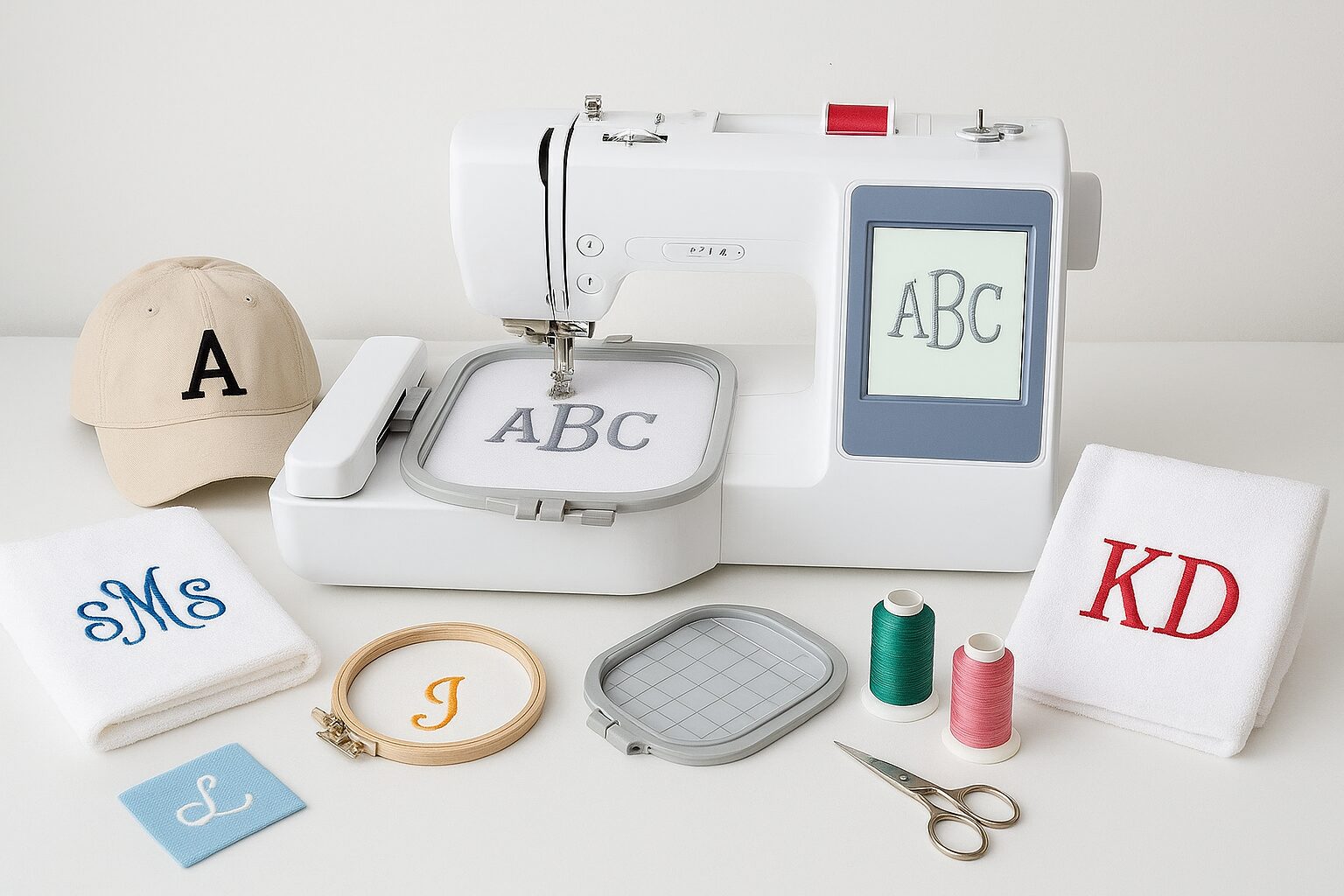
Clean vector paths converted into Melco & Bernina machine-ready EXP format
Get a Free Quote →How to Convert SVG to EXP: Top Methods
Depending on your budget and technical skill, there are three primary ways to handle an SVG to EXP converter workflow.
1. The Inkscape Method (Free & Open Source)
If you are looking for a convert SVG to EXP Inkscape solution, you will need the “Ink/Stitch” extension.
Step 1: Open your SVG in Inkscape.
Step 2: Simplify your paths (Ctrl+L) to reduce unnecessary nodes.
Step 3: Use the Ink/Stitch “Params” to assign stitch types (Satin, Fill, or Bean stitch).
Step 4: Save as “Melco Embroidery (.exp).”
2. Professional Embroidery Suites
For those who need high-fidelity results, using tools like EXP Software (Wilcom, Hatch, or Embrilliance) is the gold standard. When you convert SVG to EXP Embrilliance or Wilcom, the software automatically detects “closed shapes” and applies professional-grade underlay that prevents the fabric from puckering.
3. Using an SVG to EXP Converter Online
Many users search for a svg to exp converter online free tool. While these are convenient for simple shapes, they often lack “logic.” An online tool doesn’t know the difference between denim and silk. If you use a convert svg to exp online free service, always preview the result in an EXP File Viewer before putting it on your machine to avoid needle breaks.
| Software / Service | Method | Best For | Link |
|---|---|---|---|
| EZ Stitch Digitizing | Professional Manual | Premium SVG to EXP Results & Business Use | Get Quote |
| Melco DesignShop | Professional Software | Native EXP Export for Melco Machines | Visit Site |
| Wilcom EmbroideryStudio | Industry Standard Manual | Commercial Shops & EXP Output | Visit Site |
| Ink/Stitch (Inkscape) | Open Source (Manual) | Free SVG to EXP Conversion | Visit Site |
| Online Auto-Converters | Automated (Algorithmic) | Simple, Low-Detail Shapes Only | Varies |
Why Vector Quality Matters
A common mistake when trying to convert SVG to EXP free is using a “dirty” vector. If your SVG has overlapping paths or tiny artifacts, the embroidery machine will interpret these as thousands of tiny stitches in one spot—creating a “bird’s nest.”
If you’ve previously worked with raster formats, you might find that converting JPG to EXP is much harder than SVG because SVGs already provide the “clean lines” digitizers love. Similarly, converting PNG to EXP requires an extra step of “vectorization” before the EXP conversion can even begin.
Common Challenges in SVG to EXP Conversion
Missing Color Data: The EXP format is a “non-color” format. It stores stitch commands but not specific thread brands. You will need to manually assign colors on your machine’s console.
Scale Issues: SVGs are infinitely scalable, but embroidery has physical limits. Ensure your SVG is sized correctly in millimeters before you make an EXP file.
Jump Stitches: Poor conversion leads to excessive jump stitches. Professional digitizing ensures “clean” paths that minimize trims.
FAQ: SVG to EXP for Embroidery
Professional Digitizing Services
If your EXP embroidery file shows issues, we offer:
Custom embroidery digitizing
Design repair and optimization
Vector artwork conversion
📧 Email: info@ezstitchdigitizing.com
📘 Facebook: EZStitchDigitizing1
👉 Quote Form: Embroidery Digitizing Quotation Form