Embroidery has evolved from traditional hand stitching to highly advanced machine techniques. But no matter how sophisticated your machine is, it still relies on one fundamental element: the right embroidery file format.
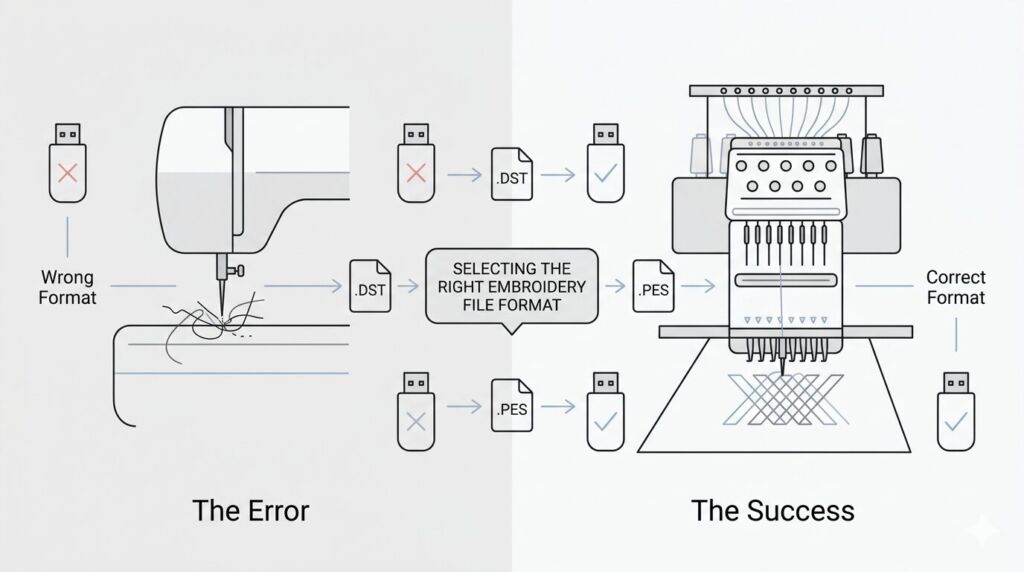
Different embroidery machines—from a home Brother SE600 to a commercial Tajima—speak different digital languages. Choosing the wrong machine file type can lead to thread breaks, misaligned designs, or a machine that simply refuses to read the USB drive.
Whether you’re a professional digitizer or a hobbyist, understanding the different digital file formats for embroidery will save you hours of frustration and ensure flawless stitch-outs.
What is an Embroidery File Format?
An embroidery file format is a specialized digital file that contains coordinate data and machine commands—such as needle movements, trims, and color changes—telling an embroidery machine exactly how to stitch out a design.
Unlike standard image formats (like JPG or PNG), embroidery files contain mathematical mapping. If you feed your machine a format it cannot decode, it won’t know where to drop the needle.
Standard Image
A flat image format. The machine sees this as unreadable colored blocks.
Embroidery File
Digitized coordinates. The machine reads needle drops, jumps, and thread trims.
The Most Common Embroidery File Formats
When looking for the best file format for embroidery, the answer always depends on your specific machine. Here is a breakdown of the industry standards.
1. DST (Tajima Format)
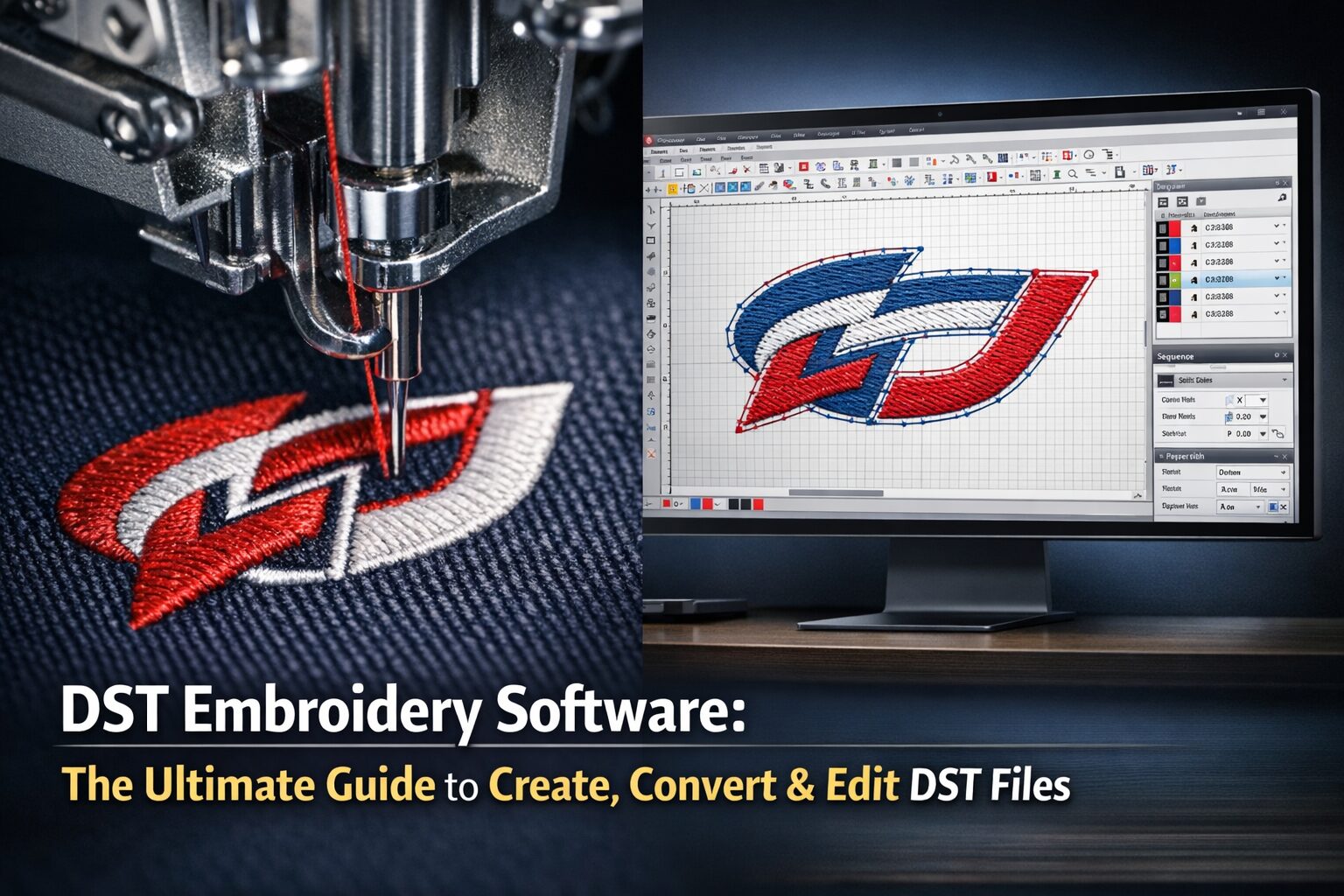
The DST format is the undisputed king of commercial embroidery. Originally created by Tajima, it has become the universal language for industrial setups.
Best For: Tajima, Brother commercial, Barudan, Bai, and Ricoma machines.
The Technical Edge: It is incredibly stable and widely accepted. However, it only contains stitch coordinate data, not visual thread colors. You will need to manually program your color stops at the machine.
Deep Dive: Want to know exactly how these files work? Read our complete beginner to pro guide on What Is a DST File?
2. PES (Brother & Babylock Format)
If you are stitching at home or running a small business, you are likely using a PES file. It is the gold standard for home embroidery.
Best For: Brother (e.g., Brother PE535, SE600) and Babylock embroidery machines.
The Technical Edge: PES files are fantastic because they store both stitch data and color palettes. When you load a PES file, the machine knows exactly what color thread should come next.
Deep Dive: Discover more in our guide: What are PES Files? Understanding Embroidery File Formats.
3. EXP (Melco & Bernina Format)
The EXP format is the backbone of commercial embroidery for Melco and Bernina machines.
Best For: Melco commercial machines and Bernina models (like the Bernina 770 and 790).
The Technical Edge: Like DST, standard commercial EXP files hold pure stitch data without native color profiles. However, Bernina machines often pair them with an
.INFfile to pull in color data.Deep Dive: Learn the nuances in The Ultimate Knowledge Base for the EXP File Format.
4. JEF (Janome Format)
JEF is the primary file type needed for Janome embroidery machines.
Best For: All modern Janome machines.
The Technical Edge: JEF is a highly efficient format that includes full color mapping and hoop sizing information, ensuring accurate design reproduction right off the USB.
5. VP3 & VIP (Husqvarna / Pfaff Formats)
These formats dominate the European home and prosumer market.
Best For: Husqvarna Viking and Pfaff machines.
The Technical Edge: VP3 files are highly advanced, holding stitch data, color data, and even allowing you to adjust the design slightly without losing stitch density.
Specialty and Native Formats
Beyond standard machine files, you might encounter native working files or font formats:
EMB Format: This is a native Wilcom digitizing file. You cannot load this into a machine; it must be exported to a machine format (like DST or PES) first.
PXF Format: The native working file for Tajima DG/ML by Pulse.
BX Embroidery Format: A specialized file used exclusively for mapping custom embroidery fonts to keyboard strokes in specific software.
| Machine Brand | Primary Format | Color Data Included? | Recommended Use |
|---|---|---|---|
| Brother & Babylock | .PES | Yes | Home, Prosumer, Small Business |
| Tajima, Barudan, Bai, Ricoma | .DST | No (Manual) | Industrial & Commercial Grade |
| Bernina & Melco | .EXP | No* | Commercial (*Bernina pairs with .INF) |
| Janome | .JEF | Yes | Home & Advanced Prosumer |
| Husqvarna Viking & Pfaff | .VP3 / .VIP | Yes | Home & European Standards |
How to View and Convert Embroidery Files
Often, you’ll purchase or download an embroidery design format that doesn’t match your equipment. Before sending it to your machine, it is highly recommended to audit the file on a desktop.
Because privacy and data security matter, we built fully client-side, browser-based viewers. Your proprietary files never leave your device—they are rendered locally for absolute security.
For Tajima Users: Audit your industrial files instantly with our Free Online DST Viewer.
For Brother/Babylock Users: Inspect colors, stitches, and layers with our Free Online PES Viewer.
Free Online DST Viewer
Instantly open, audit, and analyze Tajima DST files directly in your browser. 100% secure — your files never leave your device.
Analyze DST FileFree Online PES Viewer
Check thread colors, stitch counts, and layers for your Brother/Babylock files before you risk a bad stitch-out.
Analyze PES FileFrequently Asked Questions (FAQ)
Conclusion
Choosing the right embroidery file format is the first—and most critical—step to a successful run. By matching your machine’s exact language (whether that’s JEF for Janome, PES for Babylock, or DST for Barudan), you eliminate guesswork, prevent machine errors, and ensure your designs stitch beautifully every time.
Professional Digitizing Services If your EXP, DST, or PES embroidery file is showing issues, we offer:
Custom embroidery digitizing
Design repair and optimization
Vector artwork conversion
📧 Email: info@ezstitchdigitizing.com
📘 Facebook: https://facebook.com/EZStitchDigitizing1
👉 Quote Form: Get a Custom Quote Today