When working with digital artwork—especially for embroidery digitizing or print design—it’s important to understand the definition of a vector file and how it differs from other image types. Whether you’re creating a logo, resizing a design, or preparing artwork for stitching, the type of file you choose determines the final quality.
Vector vs. Raster Files: What’s the Difference?
In the digital world, images come in two main formats: vector and raster.
Raster images are made up of countless tiny squares called pixels, while vector files are built using mathematical formulas that plot points, lines, and curves on a grid.
This means:
Raster files (like JPG, PNG, or BMP) lose quality when enlarged.
Vector files (like AI, EPS, SVG, or PDF) can scale up or down without losing sharpness.
Because of this scalability, vector files are ideal for professional design and embroidery digitizing, where clean lines and precision are key.
Common Types of Vector Files and Their Uses
Understanding the most popular vector file types helps you choose the right one for each project:
.AI (Adobe Illustrator)
The go-to file for designers. AI files are perfect for creating and editing logos, typography, and digital artwork in Adobe Illustrator.
.EPS (Encapsulated PostScript)
An older format still widely used for printing. EPS files support vector graphics but don’t handle transparency as well as newer formats.
.PDF (Portable Document Format)
Though known for documents, PDFs can store vector artwork and are widely accepted by printers for final outputs.
.SVG (Scalable Vector Graphics)
A web-friendly format that’s searchable, scriptable, and scalable, making it perfect for websites, embroidery previews, and digital applications.
Why Vector Files Matter for Embroidery Digitizing
For embroidery professionals, understanding the definition of a vector file is essential.
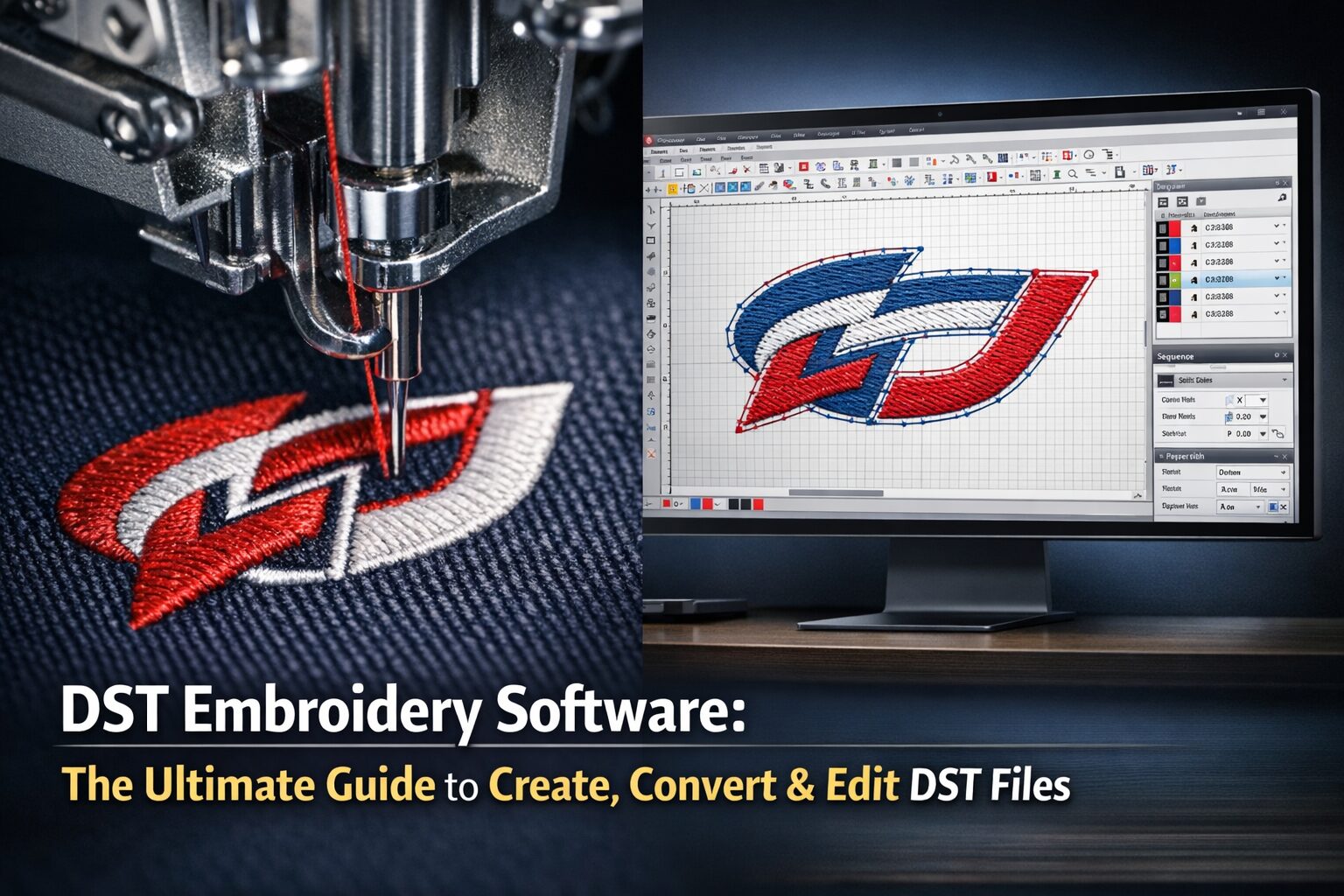
Vector artwork allows smooth conversion to stitch data formats like DST, PES, or EXP, ensuring accurate linework, consistent stitch paths, and crisp results on fabric.
If you supply a raster file (like a JPG logo) to your digitizer, they must manually trace it into a vector first—otherwise, the design won’t stitch cleanly.
At EZ Stitch Digitizing, we convert and optimize your designs into clean vector artwork before digitizing, ensuring flawless embroidery results every time.
When to Use a Vector File
Here’s when vector files shine:
Logo design and branding — ensures sharp prints at any size.
Embroidery digitizing — maintains stitch precision and clarity.
Signage and apparel printing — scales perfectly from shirts to billboards.
Laser cutting or engraving — follows clean vector paths.
If you’ve ever tried enlarging a small image and seen it turn blurry or pixelated, that’s the limitation of raster files. Vectors eliminate that issue completely.
Editing and Saving Vector Files
The most common software for editing vectors is Adobe Illustrator, which saves files as .ai.
You can export from Illustrator to .pdf for printing or .svg for web use. The beauty of vector editing is that it’s non-destructive—you can make adjustments anytime without losing quality.
If you’re learning, explore Illustrator’s tutorials or start with simple vector tools like Inkscape (a free alternative).
Frequently Asked Questions (FAQ)
1. What is the definition of a vector file?
A vector file is a digital image built using mathematical equations instead of pixels. It allows infinite resizing without losing clarity, making it ideal for logos, printing, and embroidery digitizing.
2. What’s the difference between vector and raster files?
Vector files use points and paths, while raster files use pixels. Vectors remain sharp at any size, but raster images can become blurry or pixelated when enlarged.
3. Which programs can open vector files?
Common software includes Adobe Illustrator, CorelDRAW, and Inkscape. Many design and embroidery tools can also import vector formats like SVG or EPS.
4. Why are vector files important for embroidery digitizing?
Because embroidery machines rely on precise outlines, vectors ensure clean stitch paths and accurate scaling during the digitizing process.
5. Can I convert a JPG or PNG into a vector file?
Yes — this process is called vectorization. At EZ Stitch Digitizing, we specialize in converting raster logos into high-quality vector files ready for embroidery or print.
6. What is the best file format for embroidery digitizing?
Vector formats like AI, EPS, or PDF are best for sending to a digitizer. From there, they can be converted into machine-readable stitch files like DST or PES.