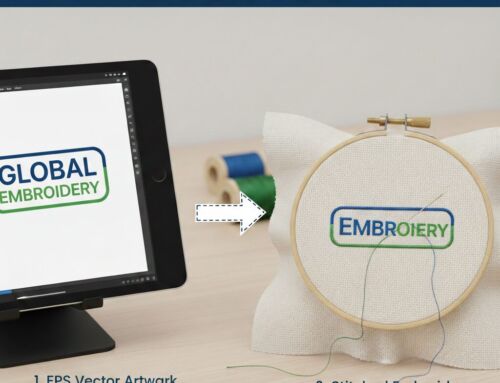
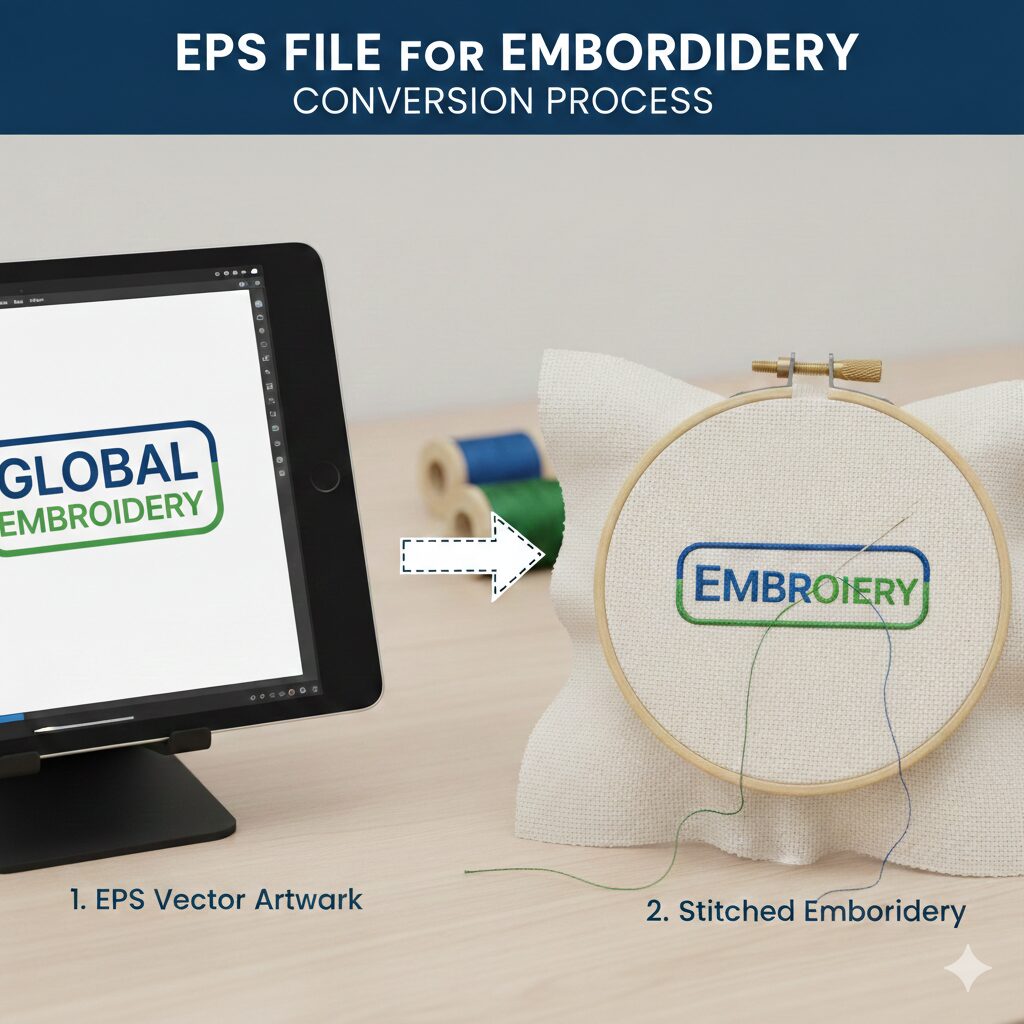
At its core, a software to create DST files for embroidery allows users to translate digital artwork into a language that an embroidery machine understands. It dictates the stitch type, stitch direction, density, and jump stitches required to sew out a design flawlessly.
Before diving into the software options, it is helpful to understand exactly what you are working with. For a deep dive into the format itself, including its history and structure, check out our complete beginner-to-pro guide on the DST file.
The Three Main Types of DST Software
Not all DST file software does the same thing. Depending on your needs, you will generally be looking at one of three categories:
DST Digitizing Software: Full-suite programs used to create designs from scratch (e.g., Wilcom, Tajima DG/ML).
DST Converter Software: Tools specifically designed to change vector or raster images into stitch files.
DST File Viewers: Lightweight programs used simply to audit, preview, and measure designs before sending them to the machine.
Pro Tip: Before sending any design to your embroidery machine, you should always preview it. You can easily open, audit, and analyze your designs using our Online DST Viewer.
| Software Tool | Core Capabilities | Investment |
|---|---|---|
| Wilcom International Industry Standard | Commercial-grade manual digitizing and precise production control. | High ($$$$) |
| Hatch by Wilcom Home Business | Powerful suite optimized for home-based shops and intermediate users. | Moderate ($$) |
| Embird Software Modular Tools | Affordable software for file conversion, basic editing, and lettering. | Low-Mid ($) |
| Ink/Stitch Open Source | Free extension for technical users exploring vector-to-stitch paths. | Free |
| Professional Services | Get production-ready DST files manually digitized by our expert team. | Get a Quote |
Free DST Software vs. Paid Professional Tools
One of the most common searches online is for a DST software free download. It’s completely understandable—professional digitizing suites can cost thousands of dollars. But what can you actually get for free?
1. Free DST Embroidery Software
If you are looking for a free DST software to create designs, open-source programs like Ink/Stitch (an extension for Inkscape) are popular among hobbyists. While these programs are great for basic projects and offer a DST embroidery software free download, they often lack the automated tools, advanced stitch blending, and auto-underlay features found in premium software.
2. Tajima and Wilcom DST Solutions
When professionals discuss top-tier tools, they are usually talking about Wilcom DST compatibility (Wilcom EmbroideryStudio) or Tajima DST software (Pulse). These are the industry standards. They offer unparalleled control over stitch generation. However, be wary of sites offering a “premium Tajima DST free download“—these are often illegal, outdated, or riddled with malware. Always use official trials or free web-based viewers.
How to Convert Images: Which Software is Best?
A massive part of working with embroidery is file conversion. Automated DST file converter software has improved, but different file types require different approaches.
Here are the answers to the most common conversion questions:
Which software is used for converting JPG/JPEG to DST?
Raster images like JPGs and PNGs are made of pixels, making them the hardest to convert automatically. While some basic software to convert JPEG to DST exists (auto-digitizing tools), they often result in messy stitches. To learn how to handle pixel-based graphics properly, read our ultimate guide to DST images.
Software to convert PDF to DST
PDFs can contain either flat images or highly scalable vector graphics. Specialized digitizing software can sometimes import the vector paths from a PDF to generate stitches. For a step-by-step breakdown of this process, check out our guide on How to Convert PDF to DST.
Software to convert AI, EPS, and SVG to DST
Vector files (AI, EPS, SVG) are the absolute best formats for embroidery conversion because they consist of clean, mathematical lines.
AI & EPS: An AI to DST file converter is essentially a high-end digitizing program like CorelDRAW (integrated with Wilcom) that allows you to assign stitch values to vector nodes.
SVG: Similarly, converting SVGs requires bridging the gap between flat vectors and 3D stitches. Learn more in our complete guide to converting SVG to DST.
How to Use DST Software for Perfect Results
If you decide to invest in DST digitizing software, knowing how to use DST software effectively takes time and practice. Here are the most critical elements you must manage:
Stitch Density: Too tight, and the fabric will pucker or the needle will break. Too loose, and the fabric will show through.
Pathing: This is the route the needle takes. Good software usage minimizes jump stitches and thread trims, saving machine time.
Color Management: Interestingly, DST files do not contain actual color data—they only contain “color stop” commands. This is a massive point of confusion for beginners. To understand how to manage and preview your threads, read our guide on DST file colors.
A Note on Free Embroidery Designs
If you aren’t ready to buy software, you might be searching for a DST embroidery designs free download or embroidery designs DST free download. While there are many free libraries online, always run these downloaded files through a DST viewer to check the stitch count and trims. A poorly digitized free file can ruin an expensive garment!
The Smarter Alternative: Professional DST Digitizing Services
Learning software for making DST files is a steep curve. Buying professional software costs thousands of dollars, and using an automated free DST software often results in broken needles, ruined apparel, and frustrated clients.
If you are running a business, your time is better spent selling and embroidering, not fighting with software.
Instead of searching for a DST file software free download or struggling to figure out software to convert EPS to DST, the most cost-effective and highest-quality solution is to outsource your digitizing to experts. At EZ Stitch Digitizing, our seasoned digitizers use industry-leading software to manually plot every single stitch, ensuring flawless, production-ready DST files every time.
Frequently Asked Questions (FAQs)
Professional Digitizing Services
If your DST embroidery file shows errors, production risks, or you simply don’t have the time to learn complex DST software, we can help with:
Custom embroidery digitizing (Flawless manual digitizing)
DST file repair and optimization (Reducing jump stitches and machine downtime)
Vector artwork conversion for embroidery (Converting your JPG, PNG, PDF, or AI files to perfect DSTs)
📧 Email: info@ezstitchdigitizing.com
📘 Facebook: https://facebook.com/EZStitchDigitizing1
👉 Quote Form: https://ezstitchdigitizing.com/embriodery-digitizing-quotation-form/