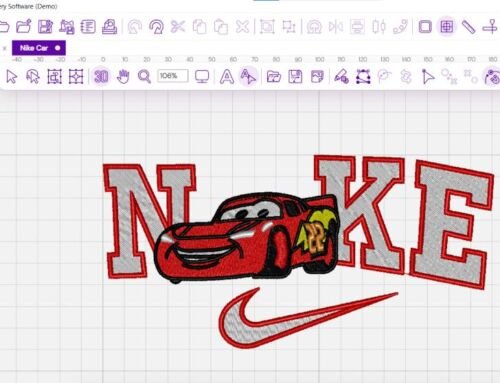
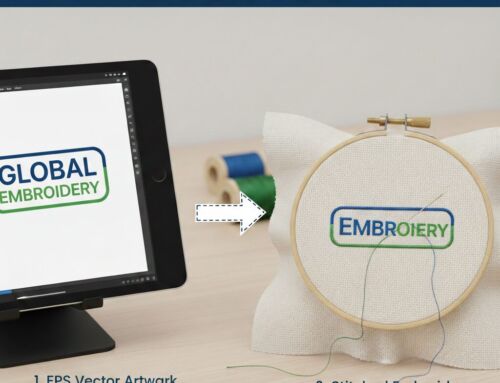
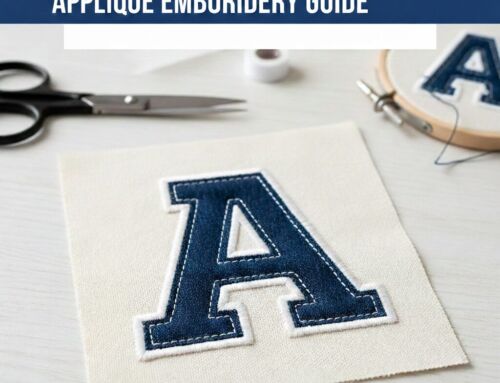
Choosing the right program to digitize embroidery is essential if you want clean stitches, accurate logos, and professional-looking embroidery files. These programs convert artwork into stitch files like DST or PES that embroidery machines can read. In this guide, you’ll learn how digitizing software works, the best free and paid options, common mistakes to avoid, and when professional digitizing is the smarter choice.
What Is a Program to Digitize Embroidery?
Answer:
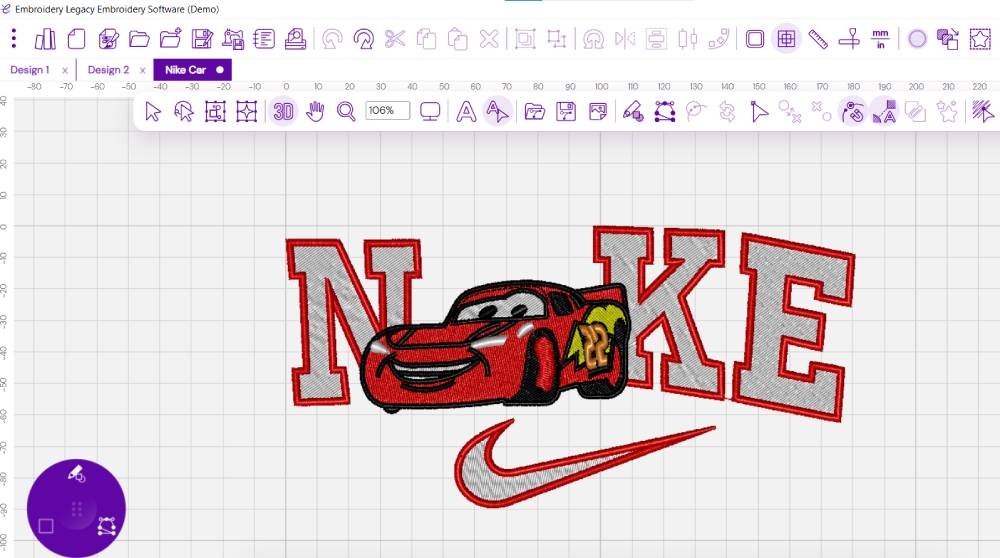
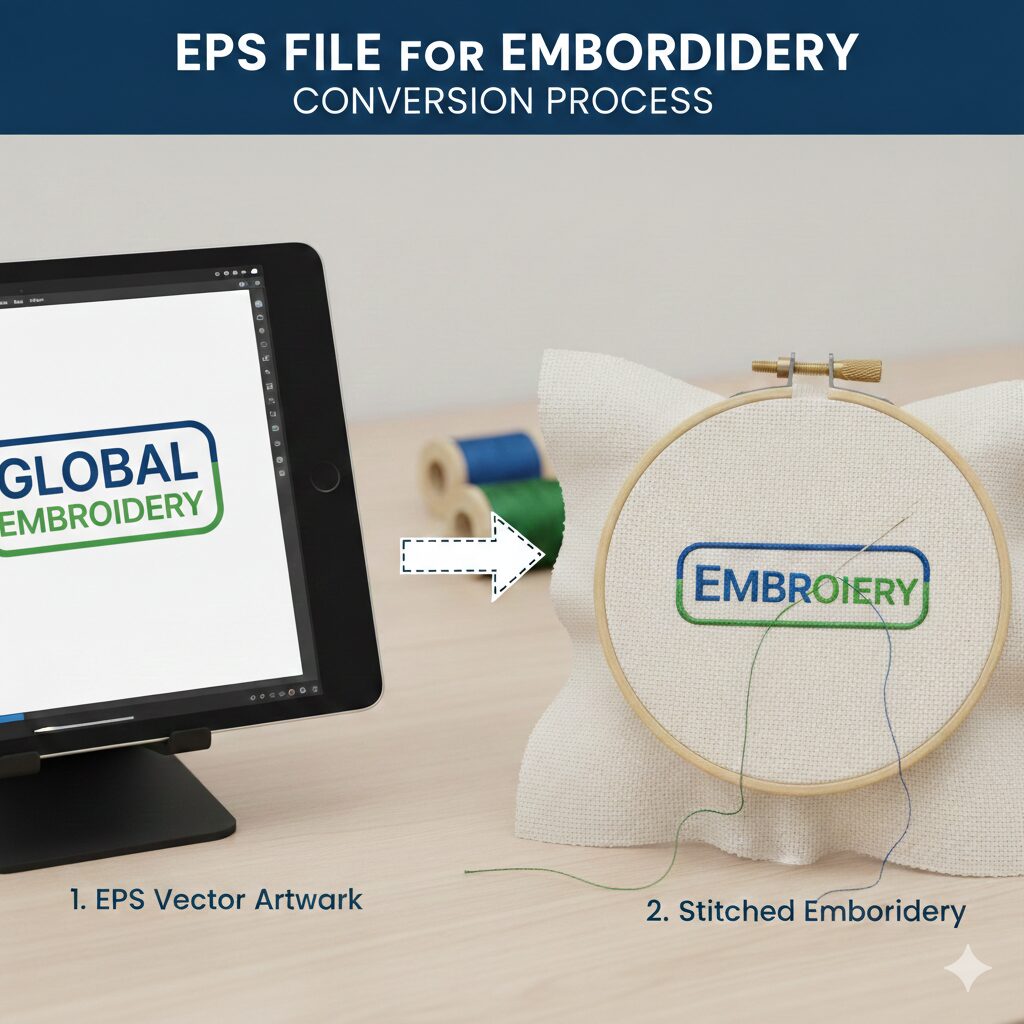
A program to digitize embroidery is software that converts artwork such as JPG, PNG, or SVG into stitch files like DST, PES, or JEF for embroidery machines. It allows users to assign stitch types, directions, and densities so the machine can sew the design accurately on fabric.
Digitizing software acts as the bridge between your design and your embroidery machine. Without proper digitizing, even high-quality artwork can stitch poorly.
How Does Embroidery Digitizing Software Work?
Answer:
Embroidery digitizing software analyzes an image and converts it into stitch paths by assigning stitch types, directions, and stitch density. The file is then saved in a machine-readable format such as DST or PES and loaded into the embroidery machine.
In professional workflows, digitizers manually control stitch angles, underlay, and pull compensation. Auto-digitizing features exist, but they often produce inconsistent results, especially for logos and detailed artwork.
Types of Programs to Digitize Embroidery
Programs to digitize embroidery fall into four main categories: auto-digitizing software, manual digitizing software, editing software, and file converters. Each serves a different purpose depending on skill level and project complexity.
1. Auto-Digitizing Programs
These convert images automatically into stitches. They are fast but often produce rough edges, incorrect stitch angles, and poor results on fabric.
2. Manual Digitizing Software
These give full control over stitch types and paths. Professionals use these for logos, patches, and commercial embroidery.
3. Editing Software
Used to resize, split, recolor, and adjust existing embroidery files.
4. File Converters
Used only to convert between embroidery formats like PES to DST without changing stitches.
Free vs Paid Programs to Digitize Embroidery
Free programs offer basic digitizing and editing tools but have limited accuracy and steep learning curves. Paid programs provide better stitch control, support, and efficiency for commercial or professional embroidery work.
| Feature | Free Software | Paid Software |
|---|---|---|
| Auto-digitizing | Limited | Advanced |
| Manual stitch control | Basic | Full |
| File formats | Few | Many |
| Support | Community forums | Dedicated support |
| Best for | Hobby use | Business & commercial |
Free software is useful for learning, but paid programs are more reliable for production embroidery.
Common Problems With Auto-Digitizing Software
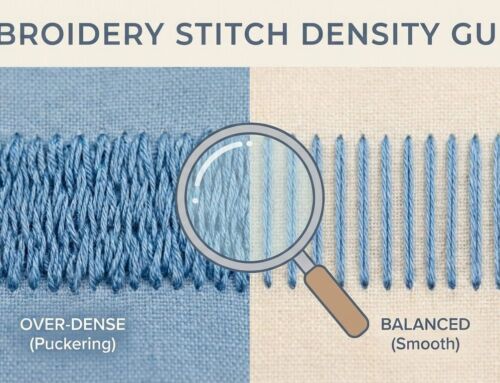
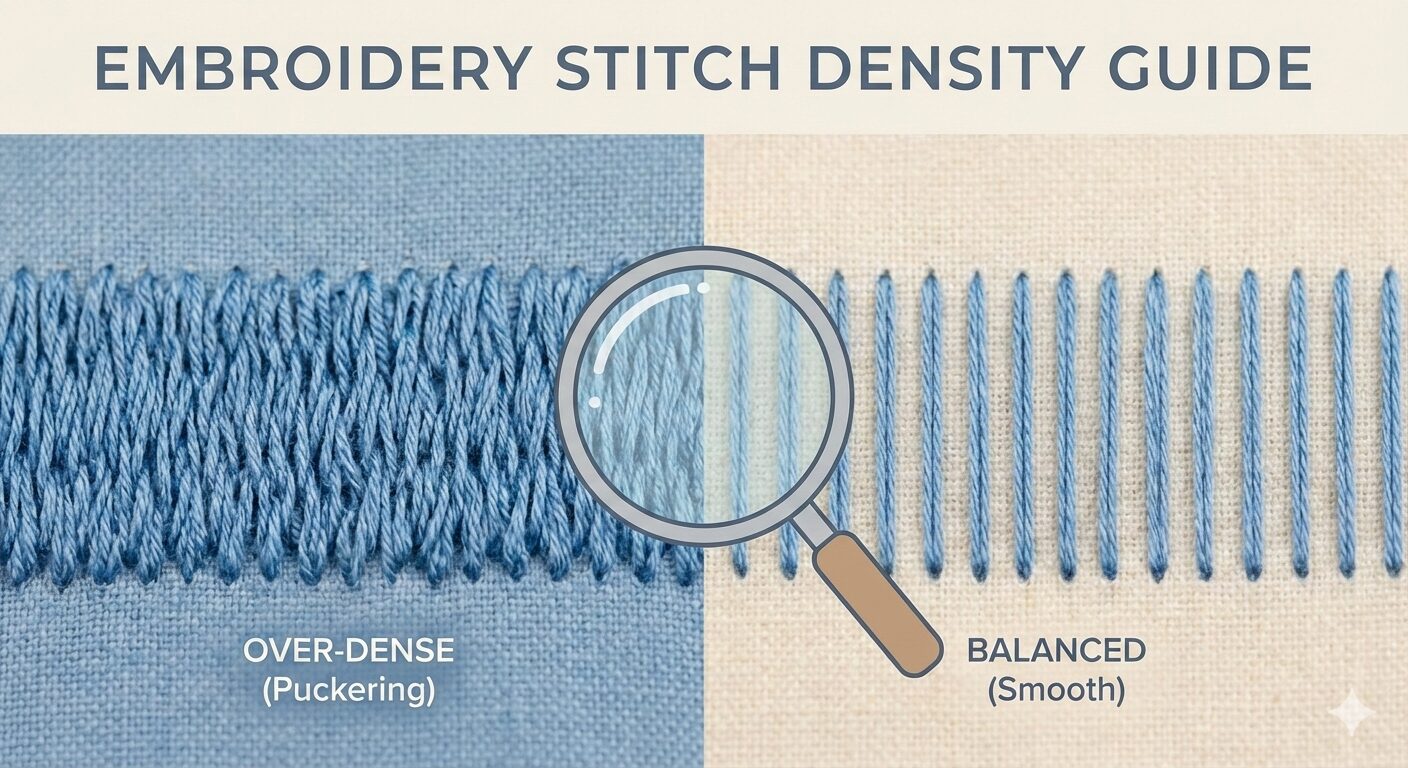
Auto-digitizing often creates uneven stitch density, incorrect stitch directions, and poor underlay, leading to puckering, thread breaks, and distorted designs when stitched on fabric.
Common issues include:
Overlapping stitches
Jagged edges
Incorrect pull compensation
Poor small-text readability
For logos and branding, these errors can ruin professional appearance.
Why Professionals Use Manual Digitizing
Manual digitizing allows precise control of stitch type, stitch direction, underlay, and density, ensuring designs stitch cleanly on different fabrics and embroidery machines.
Professional digitizers consider:
Fabric type
Thread tension
Stitch angles
Machine speed
Final embroidery size
This level of control is impossible with fully automatic tools.
Best Program to Digitize Embroidery for Beginners
Beginners should start with software that offers simple editing and guided digitizing tools, allowing them to understand stitch behavior without overwhelming complexity.
However, beginners often underestimate how technical digitizing really is. Learning stitch theory takes time, and mistakes can cost fabric and thread.
When to Use Software vs Hire a Digitizing Service
Software is suitable for learning and simple designs, but professional digitizing services are better for logos, small text, and production embroidery where stitch quality matters.
If your design is:
✔ A business logo
✔ For uniforms or caps
✔ For selling products
✔ For bulk production
Then hiring professionals saves time, prevents mistakes, and ensures stitch-ready results.
You can order professional embroidery digitizing here:
👉 https://ezstitchdigitizing.com/embroidery-digitizing-order-form/
View affordable pricing plans:
👉 https://ezstitchdigitizing.com/price-plan/
Why Choose Professional Embroidery Digitizing?
Professional digitizing produces cleaner stitches, better fabric handling, and higher durability compared to auto-digitized files.
At EZ Stitch Digitizing, we manually digitize each design to ensure:
Proper stitch direction
Balanced density
Clean borders
Machine compatibility
For inquiries:
📧 info@ezstitchdigitizing.com
Facebook:
👉 https://www.facebook.com/EZStitchDigitizing1