Wilcom Embroidery Studio remains one of the most recognized names in professional embroidery digitizing. Built for both beginners and seasoned professionals, this powerful program provides precise control, a wide variety of stitch tools, and advanced automation options that help bring any design to life.
Below is a detailed look at the core features, workflow benefits, strengths, and limitations of Wilcom Embroidery Studio to help you evaluate whether it fits your embroidery needs.
Overview of Wilcom Embroidery Studio
Wilcom Embroidery Studio is a leading embroidery digitizing platform trusted by commercial embroidery shops, apparel brands, crafters, and freelance digitizers. It offers robust tools for creating, editing, and automating embroidery designs, making it ideal for those who require advanced stitch quality and production-ready results.
With extensive customization options and compatibility with a wide range of embroidery machines, Wilcom remains a top-tier choice in the embroidery industry.

Features & Functionality of Wilcom Embroidery Studio
Wilcom is designed to elevate embroidery creativity and efficiency by providing professional-grade features that support detail-rich designs and fast output.
Advanced Digitizing Tools
Automatic Digitizing
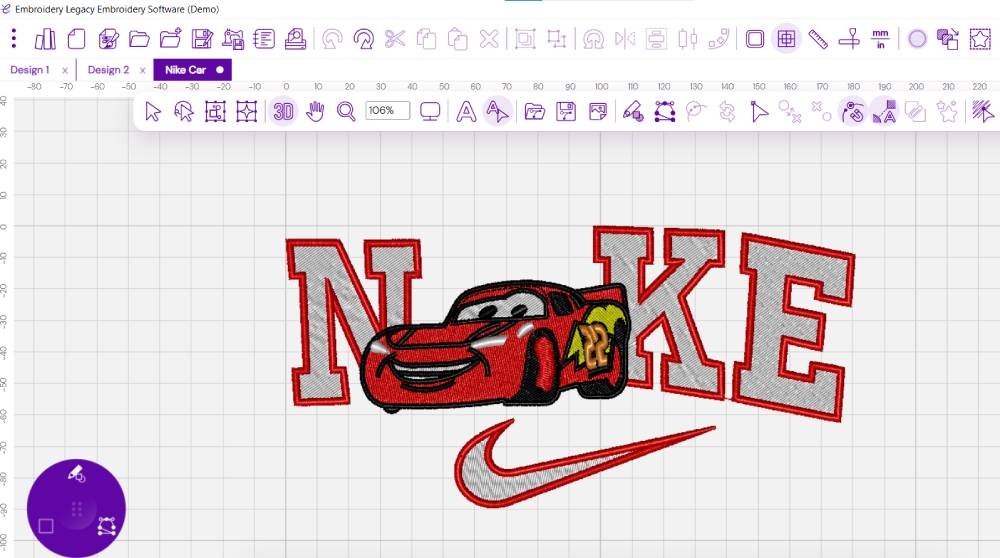
Users can quickly convert artwork into embroidery with intelligent auto-digitizing tools that detect shapes, assign stitches, and generate underlay automatically—saving significant time.
Manual Digitizing
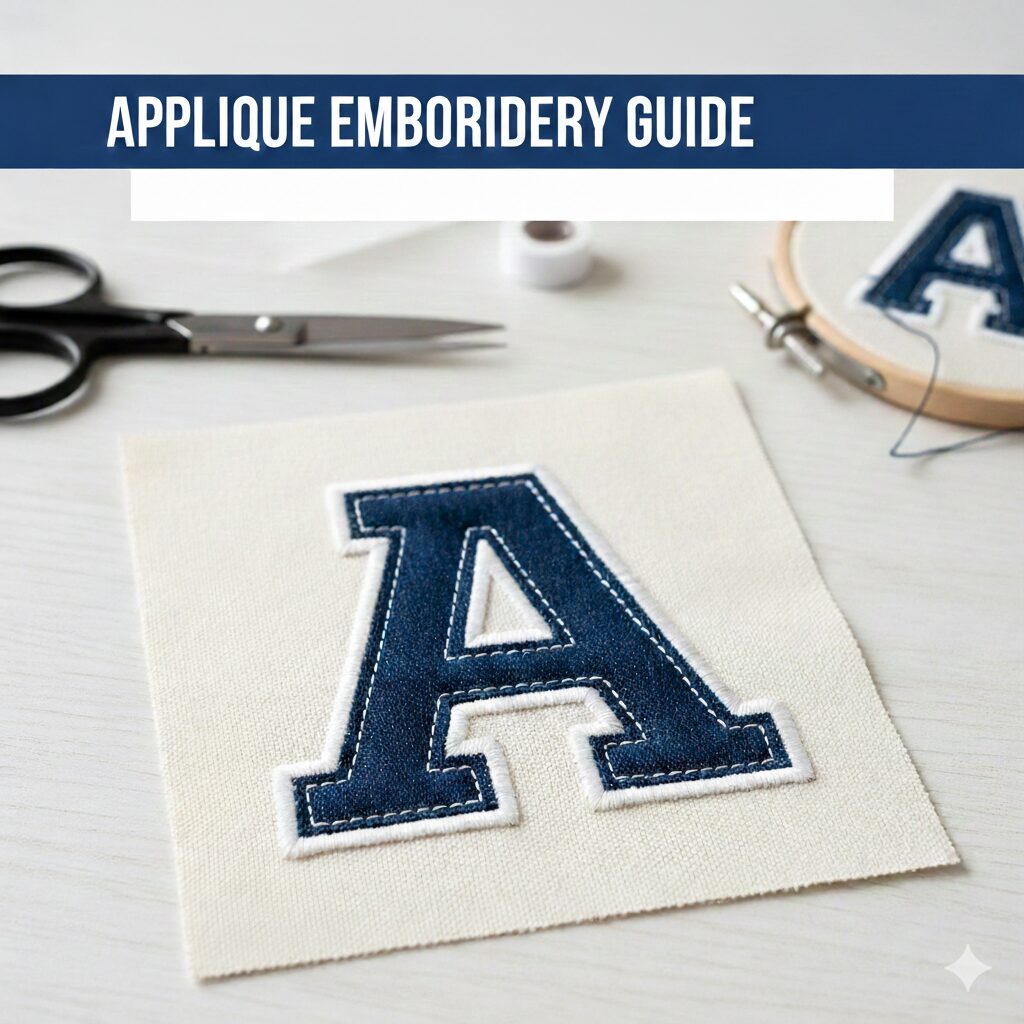
Professional users gain full control with manual stitch tools, including satin, fill, appliqué, bean, and more. You can refine stitch density, direction, trims, tie-ins, and underlay for superior finish and stability.
Editing & Design Capabilities
Wilcom allows precise control over existing designs, letting you:
Resize elements while preserving stitch quality
Correct stitch angles and alignment
Change thread colors and sequence
Refine stitch paths for cleaner production output
Users can also create original designs from scratch using drawing tools or modify imported vector graphics.
Stitch Effects & Lettering Tools
Enhance embroidery quality and creativity with:
Split stitches for textured designs
Gradient density for shading
Calligraphy-style manual stitch effects
Over 200 digitized embroidery fonts
Conversion of TrueType and OpenType fonts into embroidery stitches
File Compatibility & Conversion
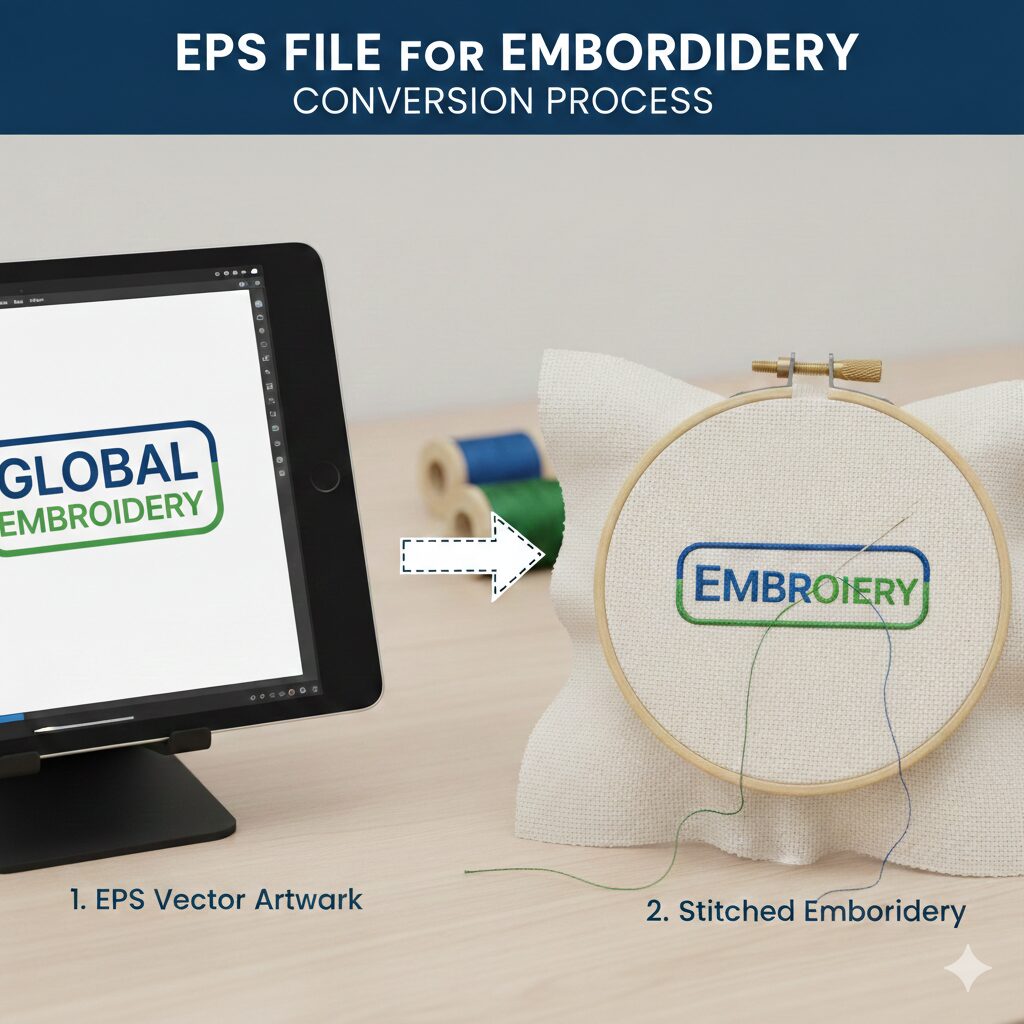
Wilcom supports more than 35 machine and design formats, allowing seamless conversion and easy collaboration across platforms and machine brands.
Integration With Design Software
Plugins for programs like Adobe Illustrator allow designers to transfer vector graphics directly into Wilcom, streamlining workflows for apparel designers and brand logo conversion tasks.
Truesizer & Stitch Simulation
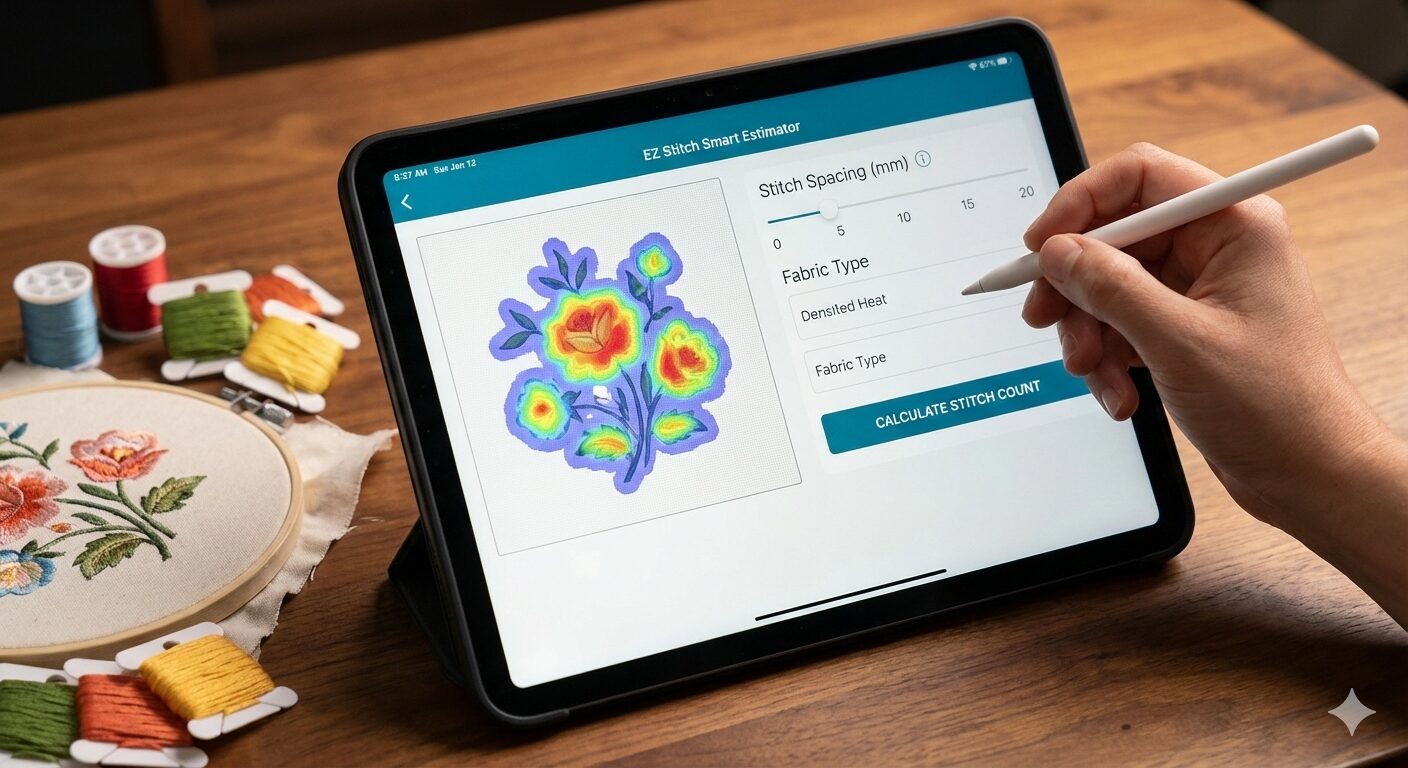
Wilcom’s TrueSizer tool ensures resizing does not distort stitch quality, while stitch simulation previews the design before sending it to the machine—helping avoid errors and wasted thread.
User Interface & Ease of Use
Wilcom’s interface combines professional-grade capability with an approachable layout. The platform does take time to fully master, especially compared to simpler embroidery software, but users benefit from:
Customizable workspace and toolbars
Extensive training videos and tutorials
Flexible workflow setup for faster design handling
Beginners may experience a learning curve, while experienced digitizers will appreciate precise controls and advanced automation.
Workflow Efficiency
Wilcom offers several productivity enhancements, such as:
Batch processing for repeated tasks
Automated underlay and hole handling
Workspace personalization and keyboard shortcuts
Integration with design programs to avoid re-importing artwork
These tools make it especially valuable for high-volume embroidery shops and full-time digitizers.
Why Wilcom Embroidery Studio May Be Right for You
Wilcom is ideal for:
Professional Digitizers
Advanced manual stitch tools
Industry-standard precision and stitch quality
Tools for sequins, 3D puff, appliqué, and specialty designs
Bulk file processing and professional output controls
Commercial Embroidery Shops
Consistent results across machines
Faster turnaround with automation tools
Scalable workflow for multiple operators and machines
Collaborative Design Teams
Project sharing and revision management
Controlled permissions and secure file handling
Pros & Cons of Wilcom Embroidery Studio
Pros
Highly advanced digitizing and editing tools
Professional quality lettering and stitch effects
Excellent resizing and stitch recalculation
Strong file compatibility and format conversion
Smooth integration with Adobe Illustrator
Industry-trusted performance and stability
Cons
Higher cost than many competitors
Learning curve for complete beginners
Best features available only in higher-tier versions
Conclusion
Wilcom Embroidery Studio stands as one of the most powerful, reliable, and professional embroidery digitizing systems available. Whether you are scaling an embroidery shop or refining your digitizing craft, the platform offers exceptional stitch control, creative flexibility, and production-ready performance.
For hobbyists, the investment may be significant, but for serious digitizers and embroidery businesses, Wilcom often pays for itself through improved quality and streamlined workflows.
To elevate your embroidery projects with precision and artistry, Wilcom remains a top contender worth considering.
Professional Embroidery Digitizing Services
Looking for expertly digitized embroidery files with clean stitch paths, crisp lettering, and machine-ready output?
Order professional digitizing services from us and bring your designs to life with exceptional quality.
Contact: info@ezstitchdigitizing.com
Facebook: https://www.facebook.com/EZStitchDigitizing1/
Frequently Asked Questions
How do I download Wilcom Embroidery Studio?
Wilcom Embroidery Studio can be downloaded directly from Wilcom’s official website. Select the appropriate version, create an account, and follow the setup process. A free trial may be available depending on current promotions.
Can beginners use Wilcom Embroidery Studio?
Yes, beginners can use Wilcom, although it may feel complex initially. The platform includes tutorials, videos, and knowledge-base support. With practice, users quickly become comfortable with digitizing workflows.
Is Wilcom Embroidery Studio free?
Wilcom is premium software and does not offer a permanent free version. There may be trial options or lighter alternatives such as Wilcom Hatch for hobbyists. Always download from the official website to avoid unauthorized copies.
How can I learn Wilcom embroidery software?
You can learn Wilcom through official training modules, YouTube tutorials, paid courses, and hands-on practice. Start with basic stitching functions, lettering, and auto-digitizing, then progress to manual digitizing and stitch refinement.
Does Wilcom work on Mac?
Wilcom is designed for Windows. However, Mac users can run it using virtualization software like Parallels or Boot Camp if they meet system requirements.