Exploring embroidery doesn’t have to cost a fortune. Many crafters and small businesses start with free embroidery software to digitize, edit, and manage designs before moving on to premium programs. These free tools are perfect for testing your skills, customizing projects, or learning the basics of embroidery digitizing.
Below, we’ve compiled the top free embroidery software programs, each with unique features ranging from file conversion to advanced editing.
File Converters: Essential for Compatibility
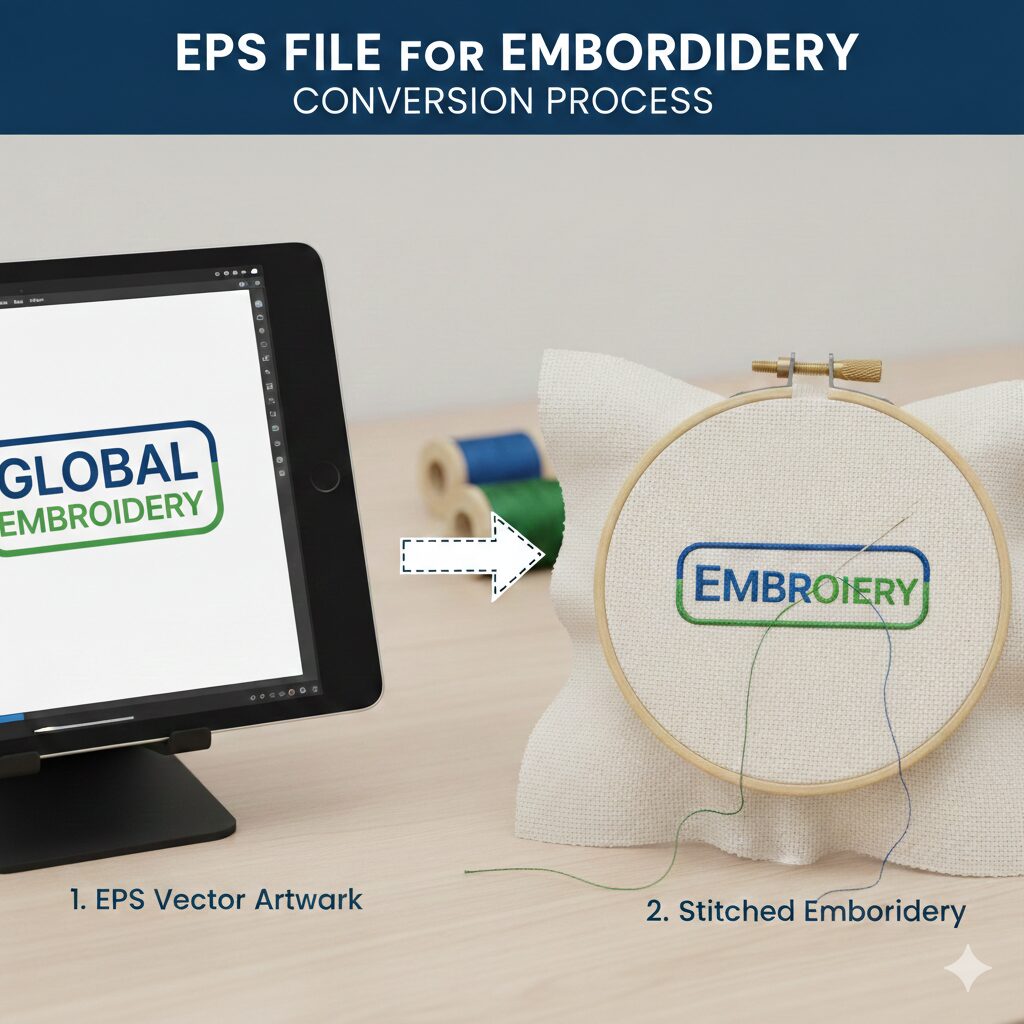
Not all machines accept the same file formats. Free embroidery file converters help you change a design from one format to another (e.g., PES, JEF, DST), ensuring smooth compatibility.
👉 Example: Converting a .jef file for Janome into .pes for a Brother embroidery machine.
Thumbnail Software: View Your Designs Easily
Downloaded designs often appear as generic icons on your computer. Thumbnail viewers solve this problem by displaying actual previews, making it faster to organize and identify designs at a glance.
This is especially helpful when managing large libraries of embroidery files.
Editing Software: Customise Your Designs
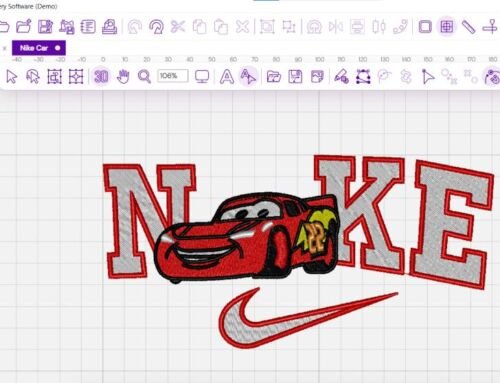
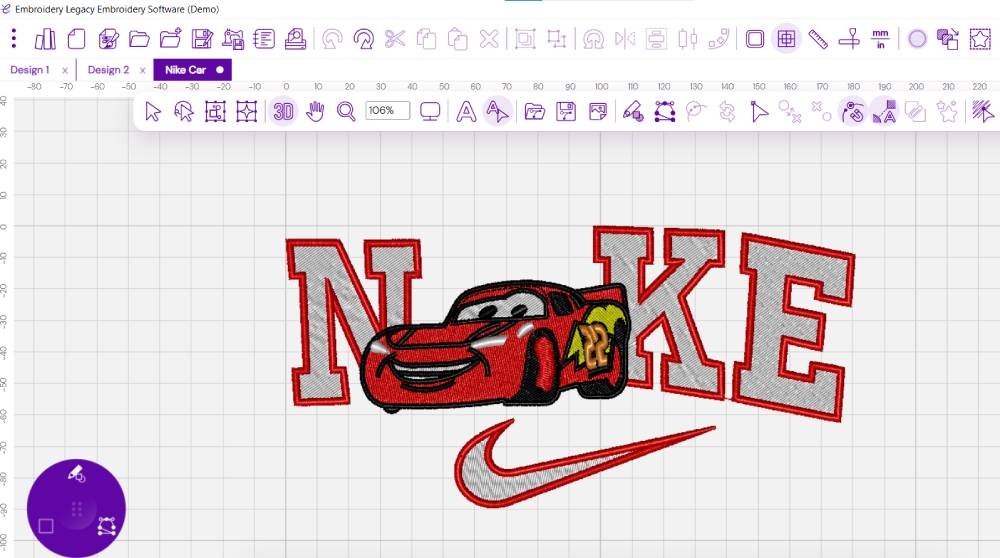
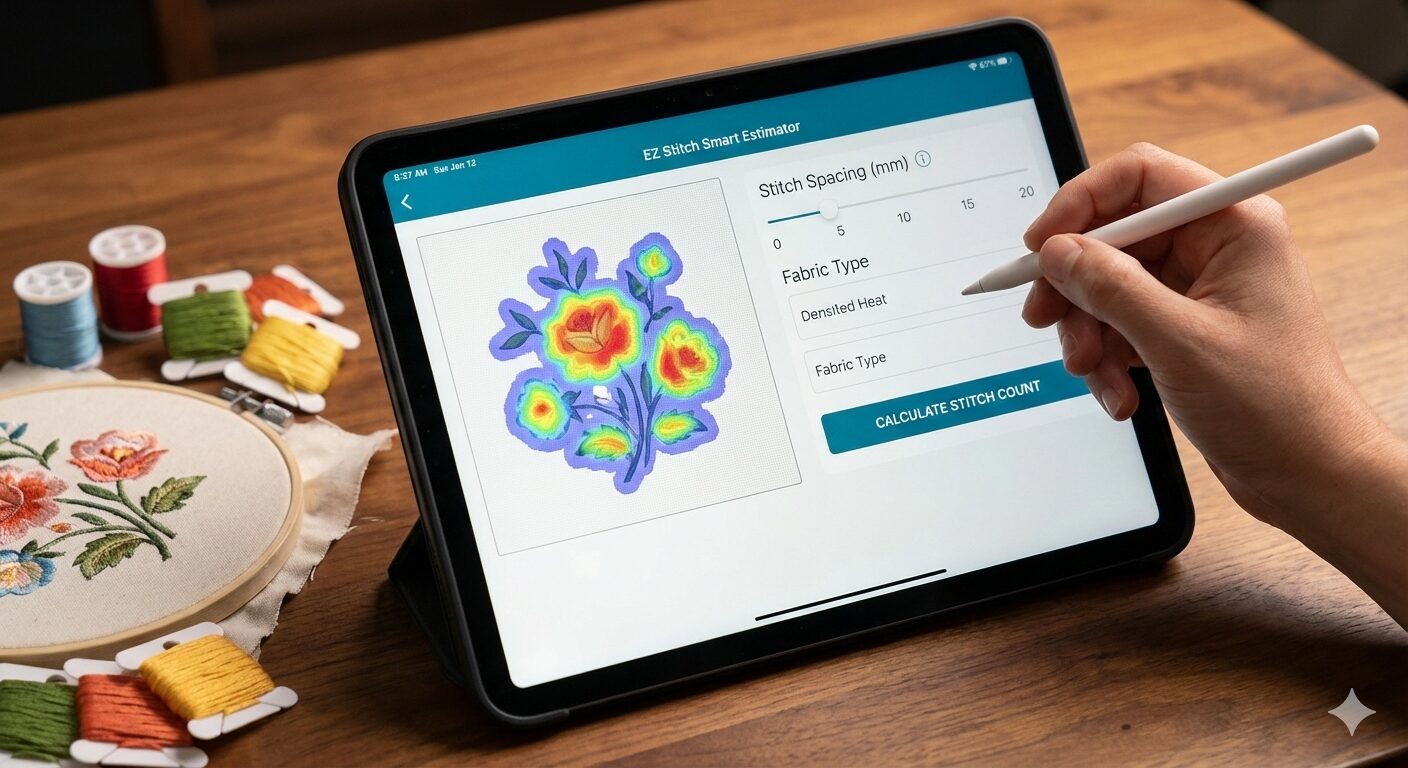
With free embroidery editing software, you can resize, rotate, split, or merge designs. These tools also allow color changes, knockdown stitching, and stitch property adjustments.
Editing software gives you creative control without needing to redraw from scratch.
Free Embroidery Digitizing Software
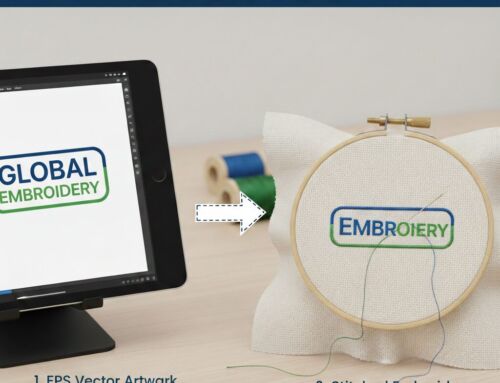
Digitizing converts images into stitch files your machine can read. Free digitizing programs like Ink/Stitch (an Inkscape extension) allow you to create embroidery files directly from vector graphics.
While the learning curve can be steep, digitizing software provides maximum flexibility for custom creations.
Font Programs: Perfect for Monograms and Lettering
Lettering is a core part of embroidery — whether for names, initials, or logos. Some free embroidery programs include font tools or support .BX fonts, letting you type and stitch text easily. Others allow you to import or convert fonts, though results vary.
How to Choose the Best Free Embroidery Software
When selecting software, consider:
Ease of use – Beginners may prefer simpler editors or file converters.
Features needed – Digitizing, editing, lettering, or just previews?
System compatibility – Windows vs. Mac support.
Future upgrades – Many free versions offer paid add-ons for advanced work.
Remember: You’re not limited to the brand of your embroidery machine. Free tools often work across multiple formats and devices.
Popular Free Embroidery Software Options
Ink/Stitch & Inkscape
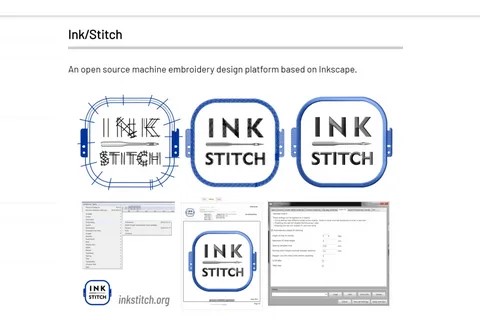
An open-source digitizing extension for Inkscape, great for SVG-based designs. Powerful but requires learning vector basics.
Pros: Free, Mac-compatible, detailed editing.
Cons: Steeper learning curve, limited fonts.
Dime Embroidery Toolshed
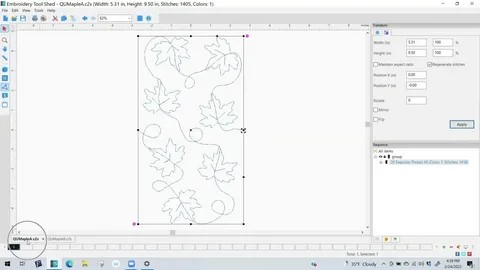
A free platform offering resizing, color changes, file conversion, and stitch sequence previews. Add-ons available for advanced digitizing.
SophieSew

Once popular, SophieSew allows manual digitizing and editing. Development has slowed, but it’s still usable for basic design creation.
Embrilliance Express
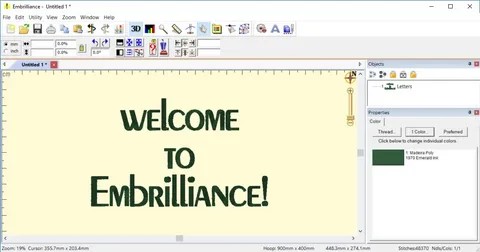
Perfect for fonts — supports .BX files and lets you type directly on-screen. Great for lettering-heavy projects.
My Editor
Simple yet effective for resizing, color changes, merging, and printing templates to align your fabric.
Bernina Artlink 8
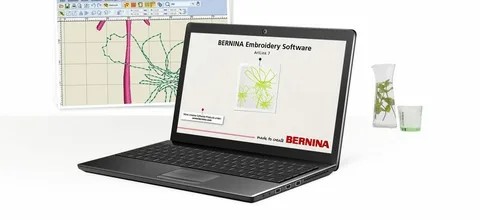
A lightweight editor with resizing, rotation, mirroring, and stitch simulation. Great starter tool for Bernina users.
StitchBuddy

Mac-friendly tool for editing, resizing, and converting. User-friendly and perfect for hobbyists.
Premier+ 2 Embroidery
Basic free version from a premium suite. Good for simple tasks, but advanced features require upgrades.
Embroidermodder 2
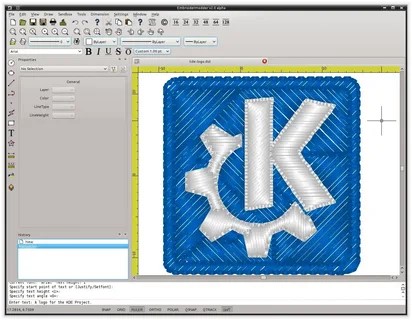
A revived open-source project for editing and digitizing. Still in alpha stage, but promising for the future.
Embird Basic (Trial)
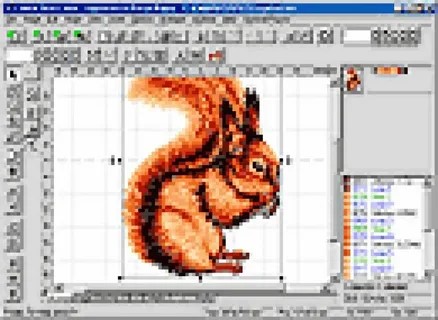
Powerful and modular, offering resizing, splitting, merging, and advanced editing with plugin options. Free trial available.
Free Trials: A Step Toward Premium Software
If free software feels limiting, try free trials of premium embroidery programs like:
Embrilliance Essentials
SewWhat-Pro and SewArt
Hatch Embroidery Software
mySewnet
These let you test advanced features before committing.
Final Thoughts
Starting with free embroidery software is a cost-effective way to explore digitizing and editing without upfront investment. Whether you need file conversion, lettering, or full design creation, there’s a free tool to match your needs.
👉 Ready to bring your designs to life? If you need professional embroidery digitizing services, contact us at info@ezstitchdigitizing.com or message us on Facebook.
Frequently Asked Questions
Q1: What is the best free embroidery software for beginners?
For beginners, My Editor or Embrilliance Express are excellent because they’re user-friendly and focused on simple editing and fonts.
Q2: Can free embroidery software digitize images automatically?
Some, like Ink/Stitch or SewArt (trial), offer auto-digitizing. However, results often require manual adjustments for professional quality.
Q3: Is there embroidery software for Mac users?
Yes, options like StitchBuddy and Ink/Stitch are Mac-compatible, making them great choices for Apple users.
Q4: Can I convert embroidery file formats for free?
Yes, many free converters and editors allow you to change formats (e.g., PES, DST, JEF) to match your embroidery machine.
Q5: Do I need paid software if I only embroider occasionally?
Not necessarily. Free tools are more than enough for casual users. Paid software is best if you need advanced editing or run a business.