What Are Embroidery Formats & Why Do They Matter?
Embroidery formats are the digital instructions that tell your embroidery machine how to stitch a design. Just like how a JPEG tells a photo viewer what image to display, an embroidery format tells your machine where, how, and when to stitch. These files contain data about stitch types, colors, order, and more—making them critical to a successful embroidery project.
Whether you’re running a custom embroidery business or crafting from home, knowing which format suits your machine ensures your designs turn out crisp, clean, and true to your vision.
Key Details Inside Every Embroidery Format
Each embroidery format carries instructions tailored to your specific machine. These instructions often include:
Stitch Types – Running, satin, or fill stitches
Color Changes – When and where to switch threads
Stitch Sequence – The path your needle should follow
Thread Density – Controls texture and stitch thickness
Jump Stitches – Directs movement without stitching
Choosing the correct embroidery format ensures your design is interpreted exactly as it was digitized.
How Embroidery Formats Have Evolved
From Simple Beginnings to Modern Complexity
Early Days: Simple, brand-specific formats handled basic stitch data—great for simple designs but limited in capability.
Software Innovation: As digitizing software improved, more complex and detailed formats emerged, supporting multiple thread colors and intricate effects.
Industry Standardization: File types like
.DSTand.EXPbecame widely accepted, boosting cross-machine compatibility.Cloud & Connectivity: Today’s formats support cloud sharing, remote design edits, and integration with smart machines.
Why There Are So Many Embroidery Formats
It might seem overwhelming, but multiple embroidery formats exist for good reasons:
Machine-Specific Needs: Each brand—like Brother or Janome—uses its own format (.PES, .JEF) to optimize performance.
Innovation: New tech introduces advanced stitch types and effects, demanding new file capabilities.
User Preferences: Some formats are easier to edit or offer richer features, such as maintaining color data or supporting 3D puff embroidery.
Industry Competition: Brands create proprietary formats to encourage loyalty and differentiate their machines.
The Process of Creating Embroidery Formats
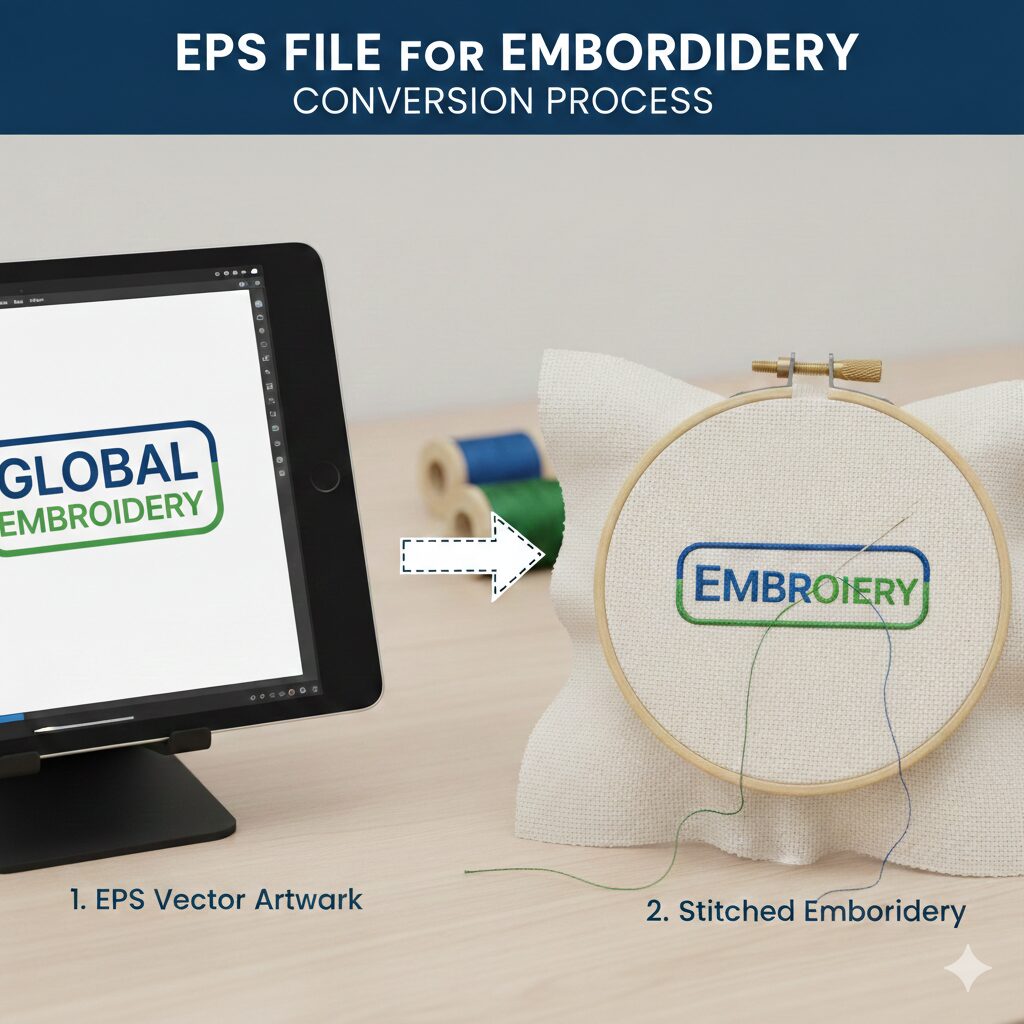
From Artwork to Machine-Ready Design
Here’s how a digitizer creates a ready-to-use embroidery format:
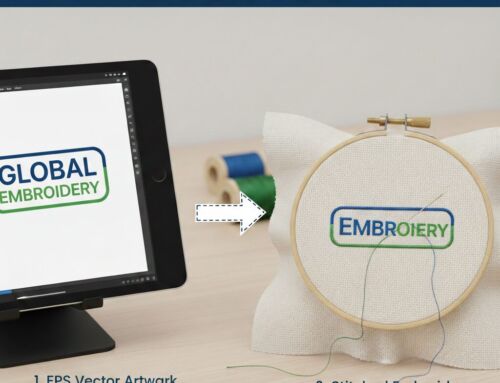
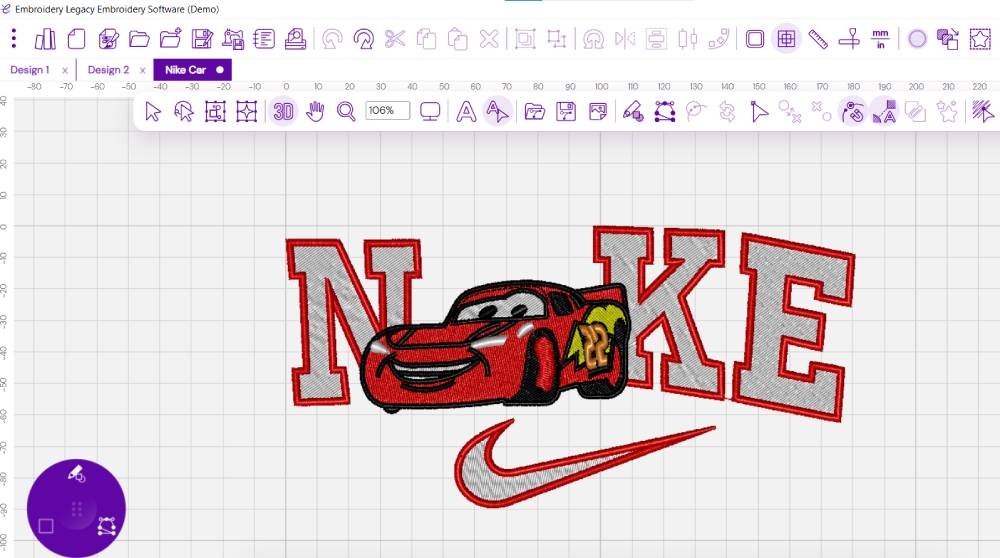
Design Setup – Artwork is converted into stitch data using specialized software.
Stitch Parameters – The digitizer defines stitch types, directions, and density.
Color Assignments – Colors are mapped to thread changes in your design.
Format Export – The file is saved in your machine’s compatible format (.PES, .DST, etc.).
Testing – A sample is stitched to ensure perfection before final delivery.
💡 Always tell your digitizer which format your machine supports to avoid issues!
Common Embroidery File Types & What They’re Used For
1. Expanded Formats (Universal Use)
Examples:
.DST(Tajima),.EXP(Melco)Pros: Simple and widely compatible
Cons: No color data—machine defaults are used
2. Machine-Specific Formats
Examples:
.PES(Brother),.JEF(Janome),.ART(Bernina),.VIP(Pfaff)Pros: Retain color info and machine instructions
Cons: Only work with specific machine brands
3. Native Software Formats
Examples:
.EMB(Wilcom),.PXF(Pulse),.OFM(Melco)Pros: Best for editing and adjustments
Cons: Need conversion before use in machines
Full List of Popular Embroidery Formats
.DST– Tajima.EXP– Melco.PES&.PEC– Brother.JEF– Janome.ART– Bernina.EMB,.ESL,.ESS,.T15,.T10– Wilcom.VIP– Pfaff.DAT,.VEP– Hiraoka.TAP– Happy.SAS,.T01,.10O– Saurer, Toyota
Tips for Choosing the Right Embroidery Format
✅ Know your machine’s supported formats—check the manual or brand website.
✅ Always confirm the format with your digitizer before final delivery.
✅ Ask for multiple formats if you plan to upgrade or switch machines.
✅ Test your file on sample fabric before mass production.
Organizing & Backing Up Embroidery Files
A tidy file system helps you stay efficient and prevents costly errors.
🗂️ Sort files by project, machine type, or customer
📝 Use descriptive names like “Rose_3in_PES_v1”
☁️ Back up files to cloud storage like Dropbox or Google Drive
📦 Archive completed designs in labeled folders or ZIP files
Conclusion: Your Format Is Your Foundation
Understanding embroidery formats is essential for every crafter and business owner. It’s the bridge between your creativity and your machine’s execution. By using the right format, you avoid costly errors and ensure your embroidery turns out just as you imagined.
Whether you’re working on personal projects or commercial orders, getting the format right makes all the difference.
Ready to Digitize Your Design in the Right Format?
At EZ Stitch Digitizing, we deliver accurate, machine-ready files in any embroidery format you need. From .PES to .DST, we’ve got you covered. Let us help you avoid stitch errors, compatibility issues, and wasted materials.
📧 Contact us today at info@ezstitchdigitizing.com
📌 Or message us via our Facebook page