Unlock the Power of Embroidery File Conversion
Whether you’re a hobbyist or running a growing apparel brand, the need to convert files into machine-readable embroidery formats is a critical part of your workflow. From stitch file formats to vector graphics and even raster images, a reliable embroidery file converter is your best friend in the digitizing process.
Let’s break down what embroidery file conversion really means and how you can use tools like Embird and Wilcom Truesizer to simplify your projects—step-by-step.
What Is an Embroidery File Converter and Why You Need One
Embroidery file converters help transform digital art into stitch-ready designs. This may involve:
Changing one stitch file format to another (e.g., .PES to .DST)
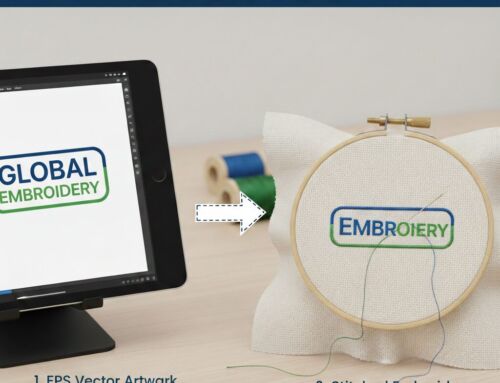
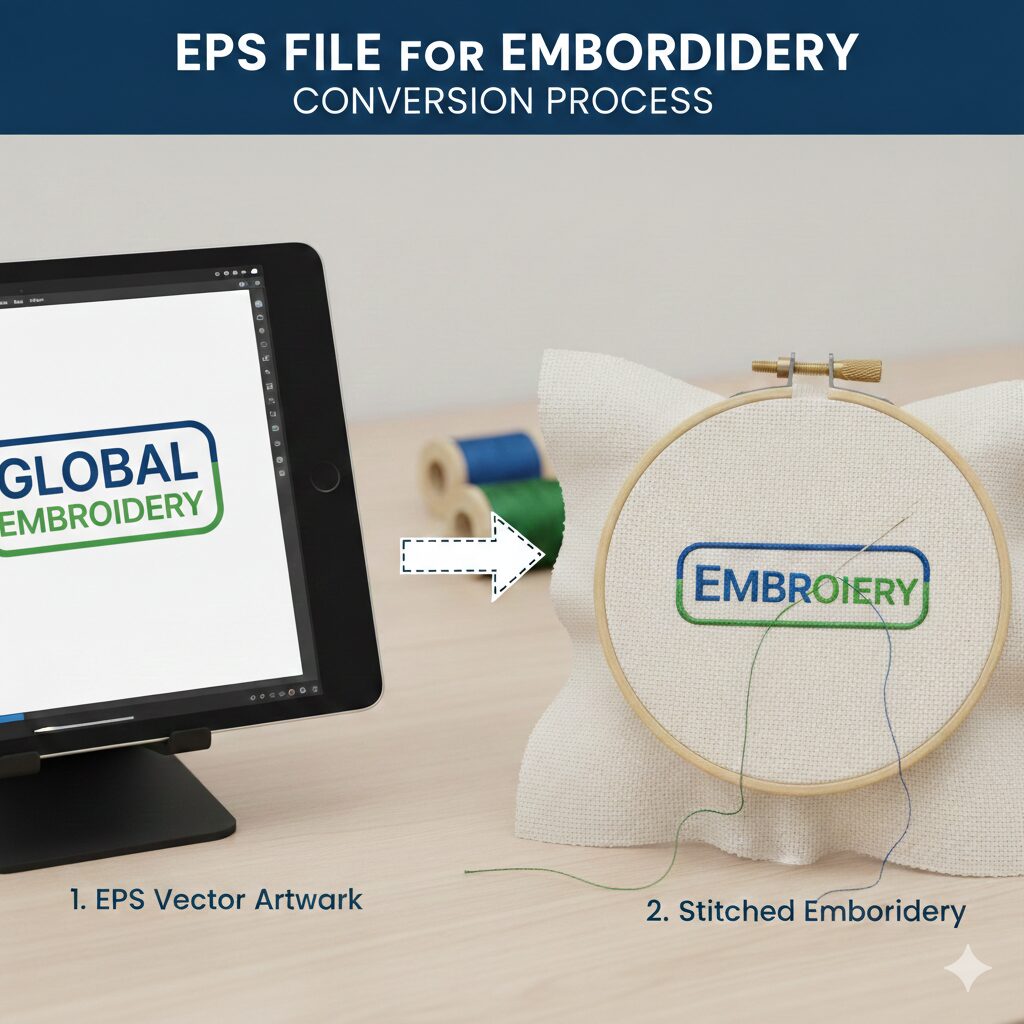
Turning vector art (like logos in SVG or EPS) into embroidery stitches
Converting raster images (like JPGs or PNGs) into embroidery-ready files
Since different embroidery machines accept different file formats, being able to convert designs ensures compatibility and flexibility across your machines or clients’ needs.

Converting Between Stitch File Formats
What Are Stitch Files?
Stitch files are the final output of embroidery digitizing. They contain precise needle coordinates, stitch types, and sometimes color information. Common formats include .DST (Tajima), .PES (Brother), .EXP (Melco), and .JEF (Janome).
Why Convert Stitch File Types?
If you buy or download a design in one format and your machine requires another, you’ll need to convert it. For example, converting a .PES file into .DST allows it to run on most commercial machines.
How to Convert Stitch Files with Embird
Open Embird Manager, the file-handling module of the software.
Select your original stitch file.
Choose the target format from the “Save As” dropdown.
Save it—and your file will now be readable by your embroidery machine.
💡 Pro Tip: You can batch convert multiple files at once to save time.
From Vector Art to Embroidery Designs
What Are Vector Files?
Vector files like SVG, EPS, and AI contain scalable, editable outlines. This makes them ideal for creating clean, flexible embroidery designs.
Converting Vector to Stitch with Embird Studio Next
Using Embird’s digitizing module, you can:
Import a vector file (especially .EOF format)
Adjust outlines, order, and overlays for embroidery logic
Compile the design into a stitch file
Although SVG files are common, they must be adjusted manually for embroidery (e.g., stitch angles, pull compensation, overlap). This isn’t a one-click process, but with a bit of practice, it’s highly effective.
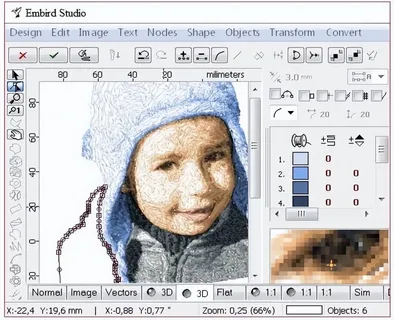
Can You Convert a JPG Image into an Embroidery File?
Short answer: yes—but not directly.
Raster images (like JPG or PNG) are pixel-based and must be vectorized first to create an embroidery file. You can either:
Manually trace over the image
Use auto-tracing tools in Embird Studio Next
Use photo-stitch techniques for portraits with modules like Sfumato Stitch
The process is semi-automatic and involves identifying shapes, converting them to vector objects, and then generating stitches. Logos work best with clean outlines; complex photos require artistic interpretation.
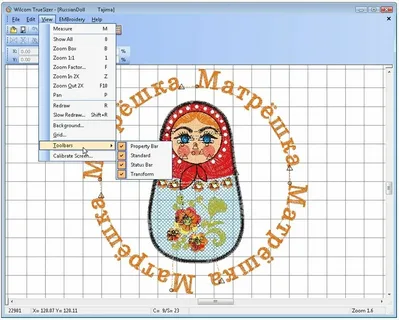
Free Online Tools: Wilcom Truesizer Web
Wilcom Truesizer Web is a convenient, browser-based tool that allows you to:
Open and view embroidery files
Resize and edit them
Convert to other formats (e.g., .DST, .PES, .EXP)
How To Convert for Free:
Visit the Wilcom Truesizer Web platform.
Log in or create an account.
Upload your design via computer or cloud storage.
Make any minor edits like resizing or color adjustments.
Click “Convert Design” and choose your desired file format.
Download and use it instantly!
⚠️ Note: Truesizer does not convert JPG or SVG to stitch files. For full image-to-stitch conversion, you’ll need digitizing software or a service like ours.
Why Choose a Professional File Conversion Service?
While software like Embird and Wilcom are excellent, they still require:
Digitizing knowledge
Time to learn and test
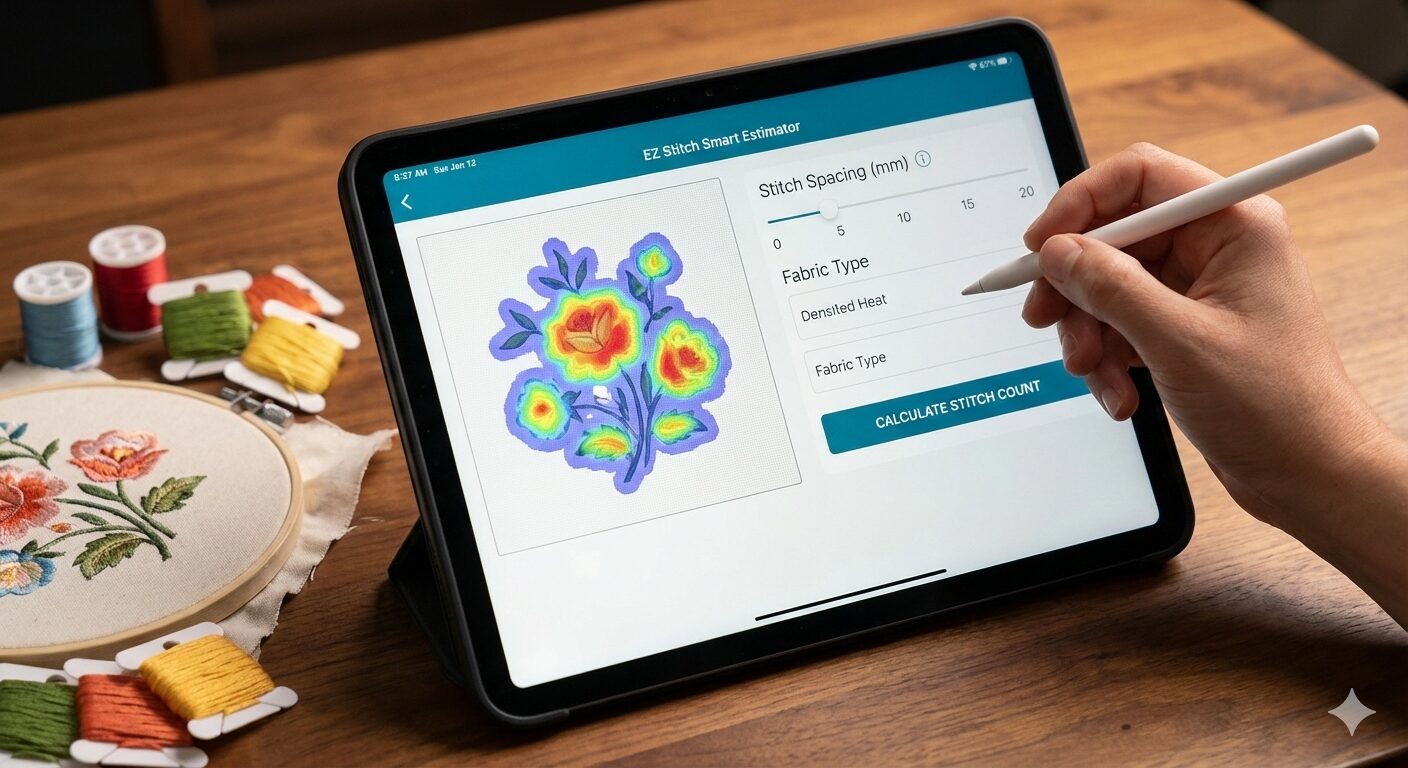
Adjustments based on fabric types, stitch density, etc.
This is where EZ Stitch Digitizing comes in. We convert your images into machine-perfect embroidery files that meet your specific format needs—saving you time and preventing errors.
Final Thoughts – Make Every Stitch Count
Whether you’re prepping for a commercial run or crafting for fun, choosing the right embroidery file converter ensures that your designs stitch flawlessly.
If you need expert help converting any image into an embroidery file format—from vector to stitch or photo to embroidery—get in touch today.
You can avail discount for your first standard logo for $5 – Contact us
📩 Email us at info@ezstitchdigitizing.com
📲 Or message us on Facebook: EZ Stitch Digitizing